

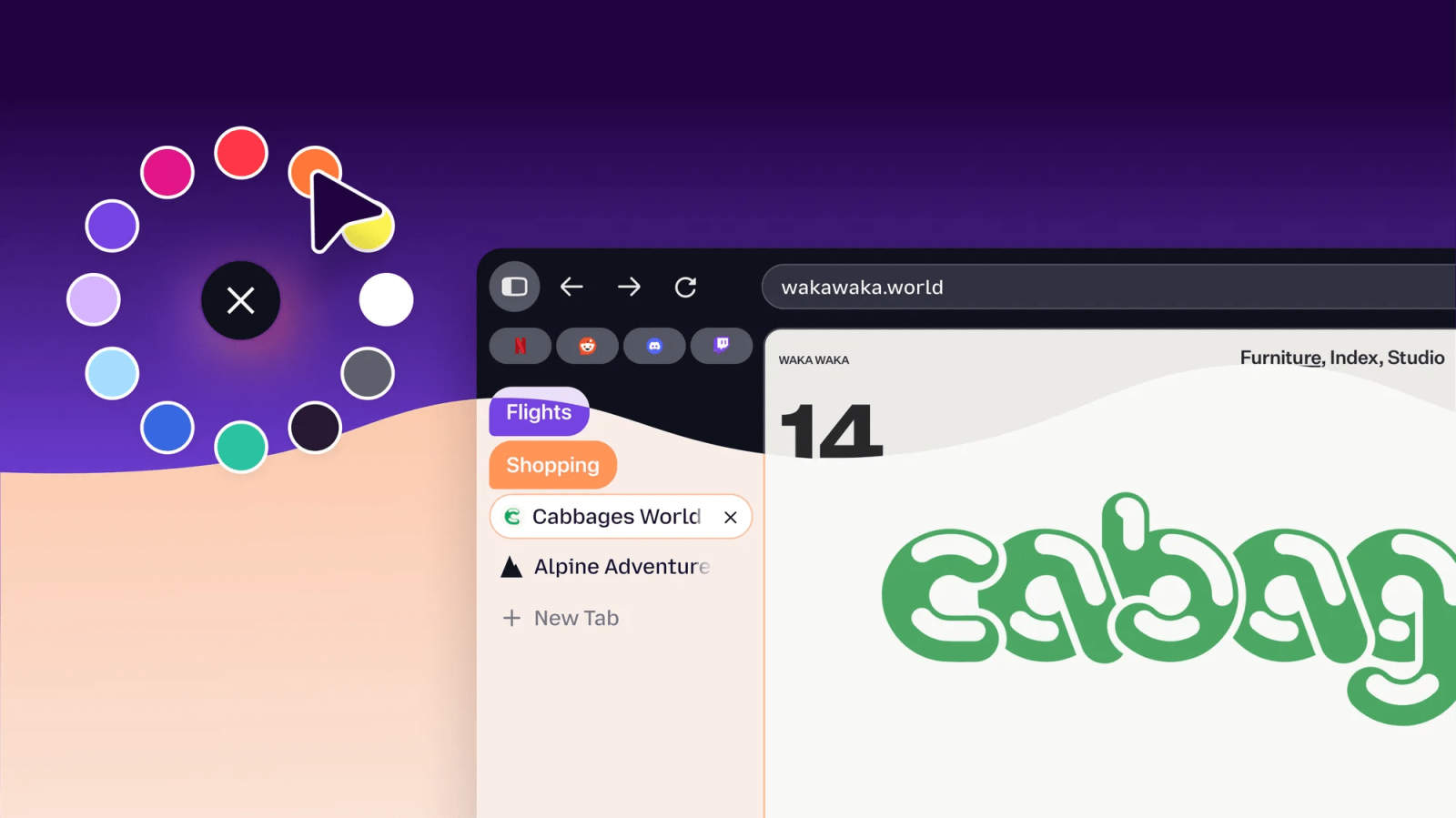
According to Mozilla, the refreshed Firefox design arrives with “no cost to your browser performance.” That promise matters most here, since a new coat of paint isn’t worth much if it makes the browser slower.
Following a beta phase earlier this year, the redesign begins reaching all users today. It applies to both the desktop and mobile apps, which now share a single design language for the first time.
Rounder, bubblier and a bit more like Chrome
When you next open Firefox, you’ll see tabs shaped like bubbles and an address bar with rounded edges. Mozilla has also updated the colors, icons and themes.
The softer, rounded elements bring Firefox a little closer to how Chrome looks. Whether you like that probably depends on what drew you to Firefox to begin with.
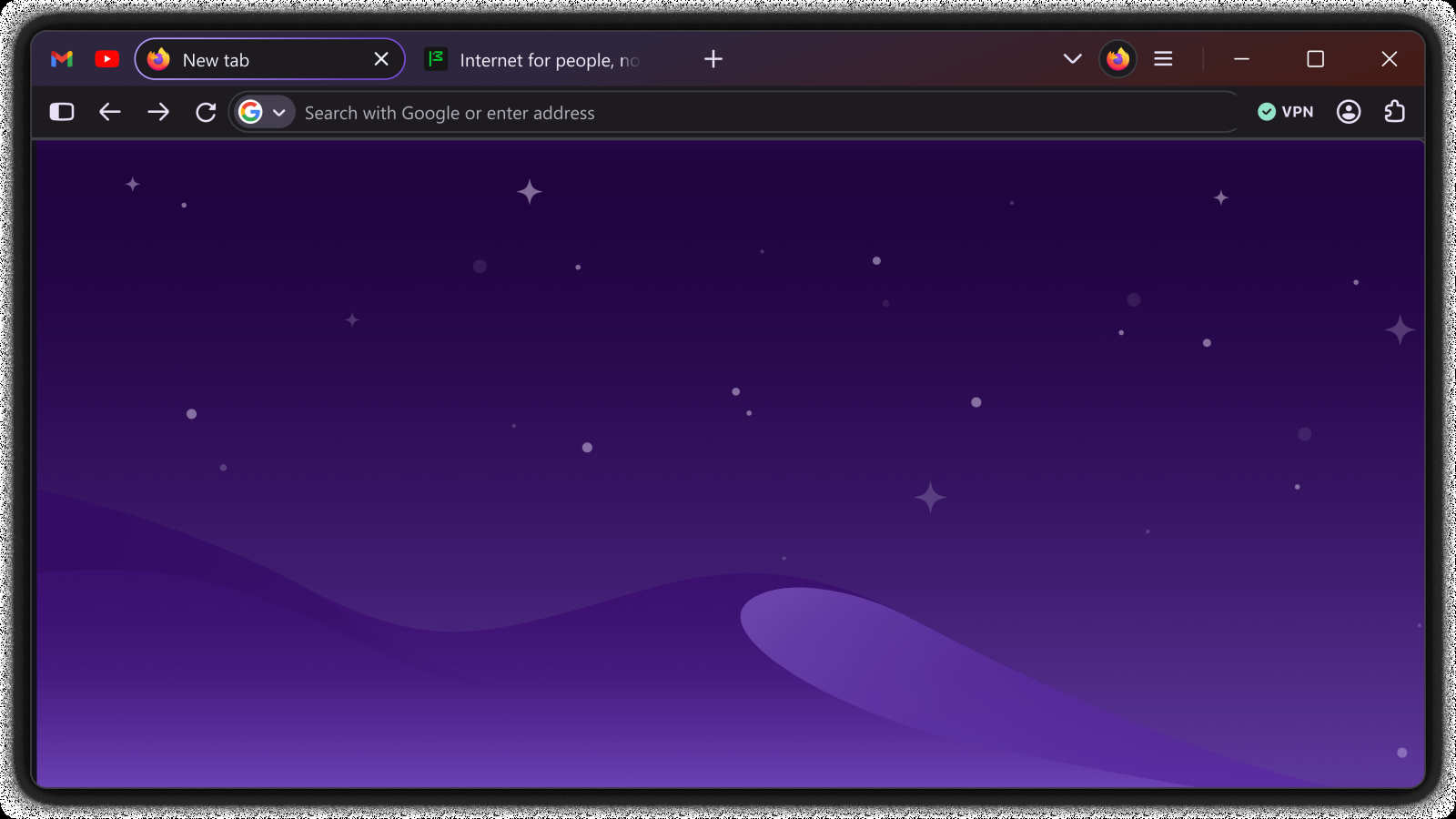
Compact Mode returns at users’ request
Firefox 157’s most practical change is actually an old one. Compact Mode is back because users asked for it, and laptop users in particular should consider switching it on before anything else.
Mozilla described the condensed mode as one that “reduces the size of your tabs and toolbar to give more of your screen to the web, with an auto-compact option for smaller screens.” Since the rounder, puffier tabs eat up more room, having a way to shrink them again is a useful balance.
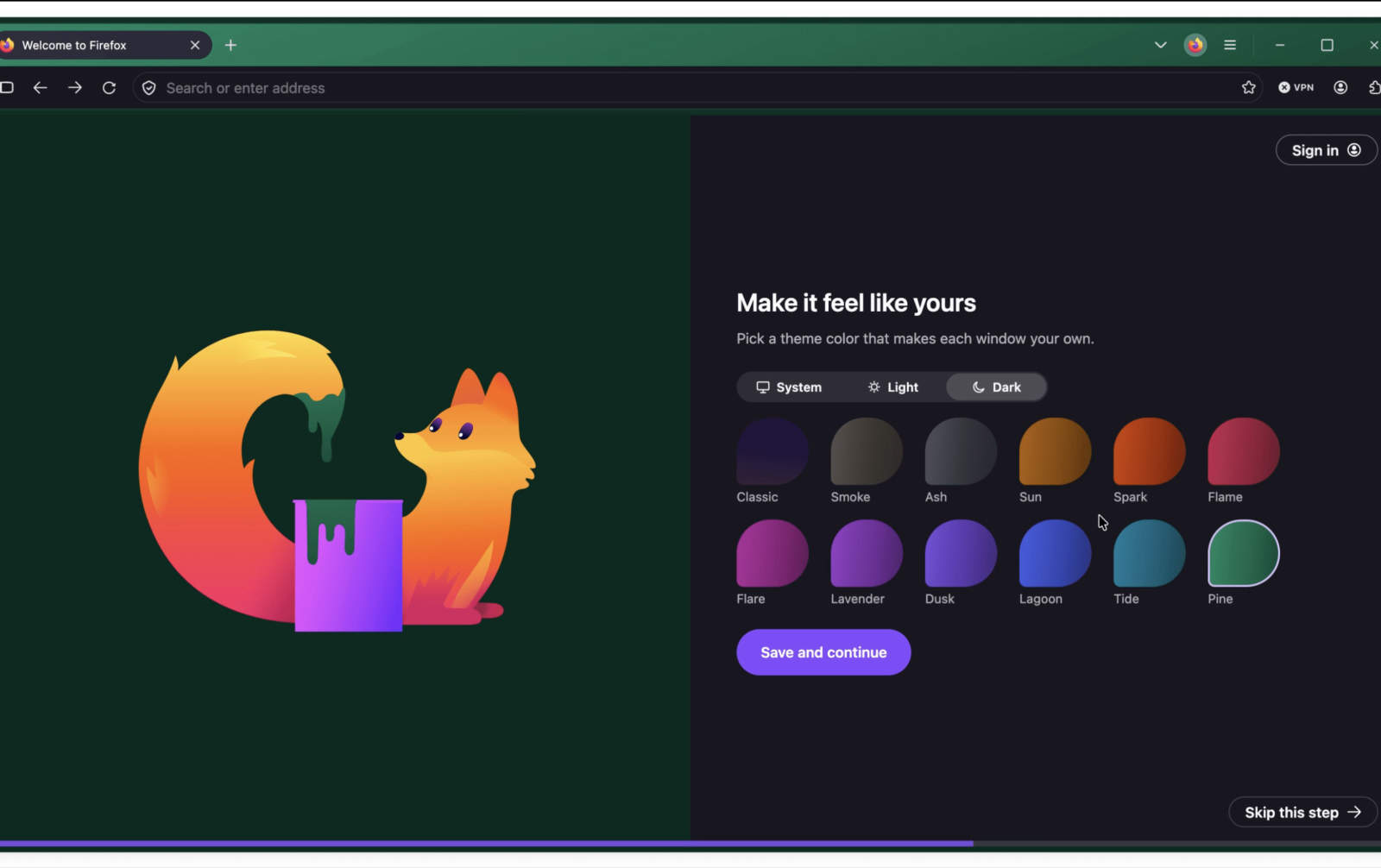
More themes, each in light and dark
Customization options have grown as well, with additional themes and wallpapers. Back in May, Mozilla gave an early look at some of the revamped themes: 12 colors, every one of them offered in both a light and a dark mode.
A “renewal” capping a busy year
Mozilla calls the redesign a “renewal” for Firefox. It comes after a year of significant updates, among them homepage widgets, Split View, a built-in VPN and settings that let users switch off the browser’s AI features.
That doesn’t mean Firefox is avoiding AI altogether. Earlier this year it introduced Smart Window, an AI mode that could help it keep pace with the AI browser tools offered by competitors such as Chrome.
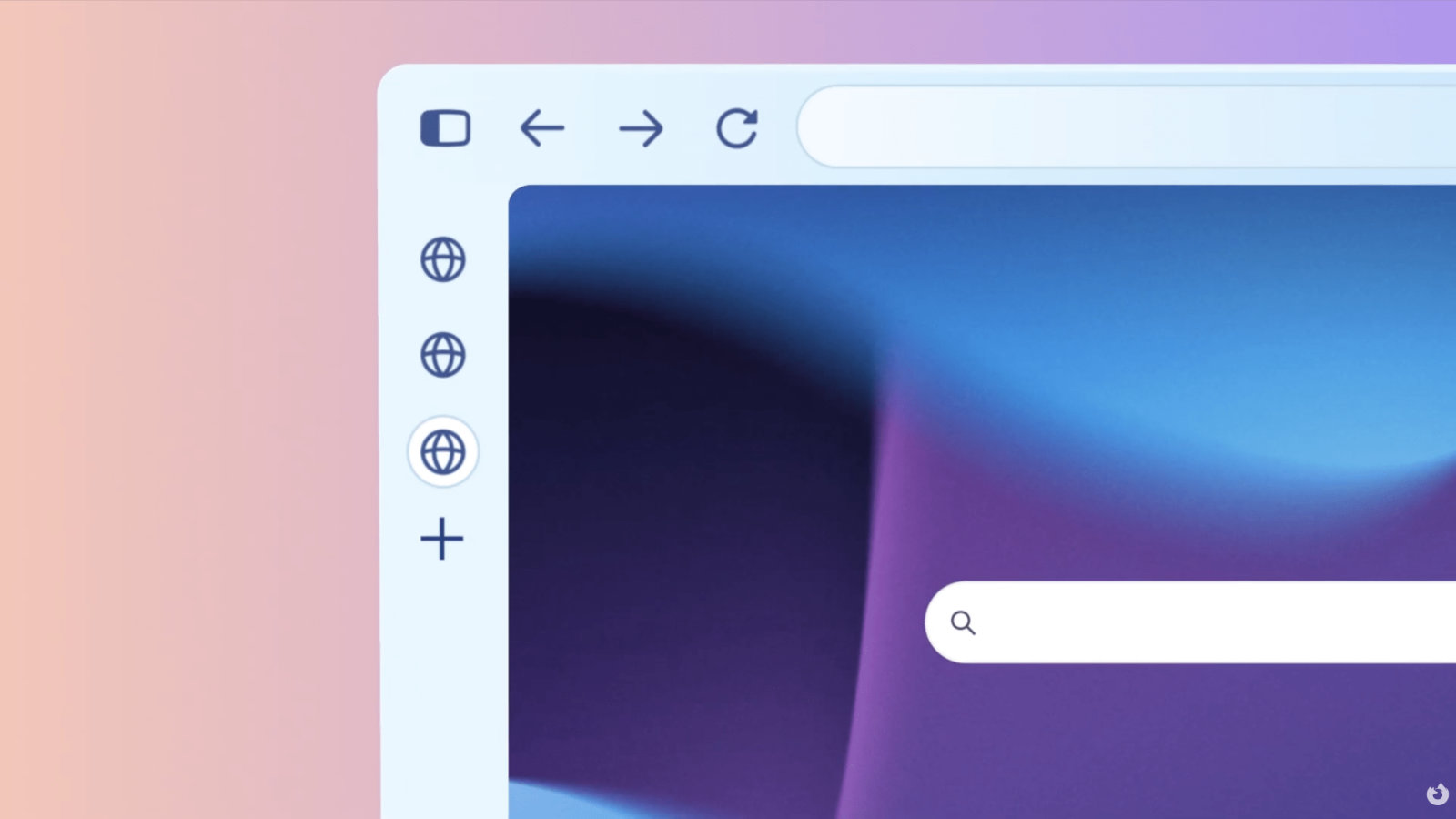
If the bubbly new design seems like too much, try Compact Mode before you think about rolling back. It’s the one piece of this update designed to show you more of the web and less of the browser.