
















Yes, though it’s hidden and limited. You get a first-person view in GTA 6 when you’re standing still, aiming a weapon with a sight, or driving with your phone out. You can’t walk around in it.
This guide is based on early walkthroughs published on launch day. Results can vary from save to save, and we re-check this page as players send in reports.
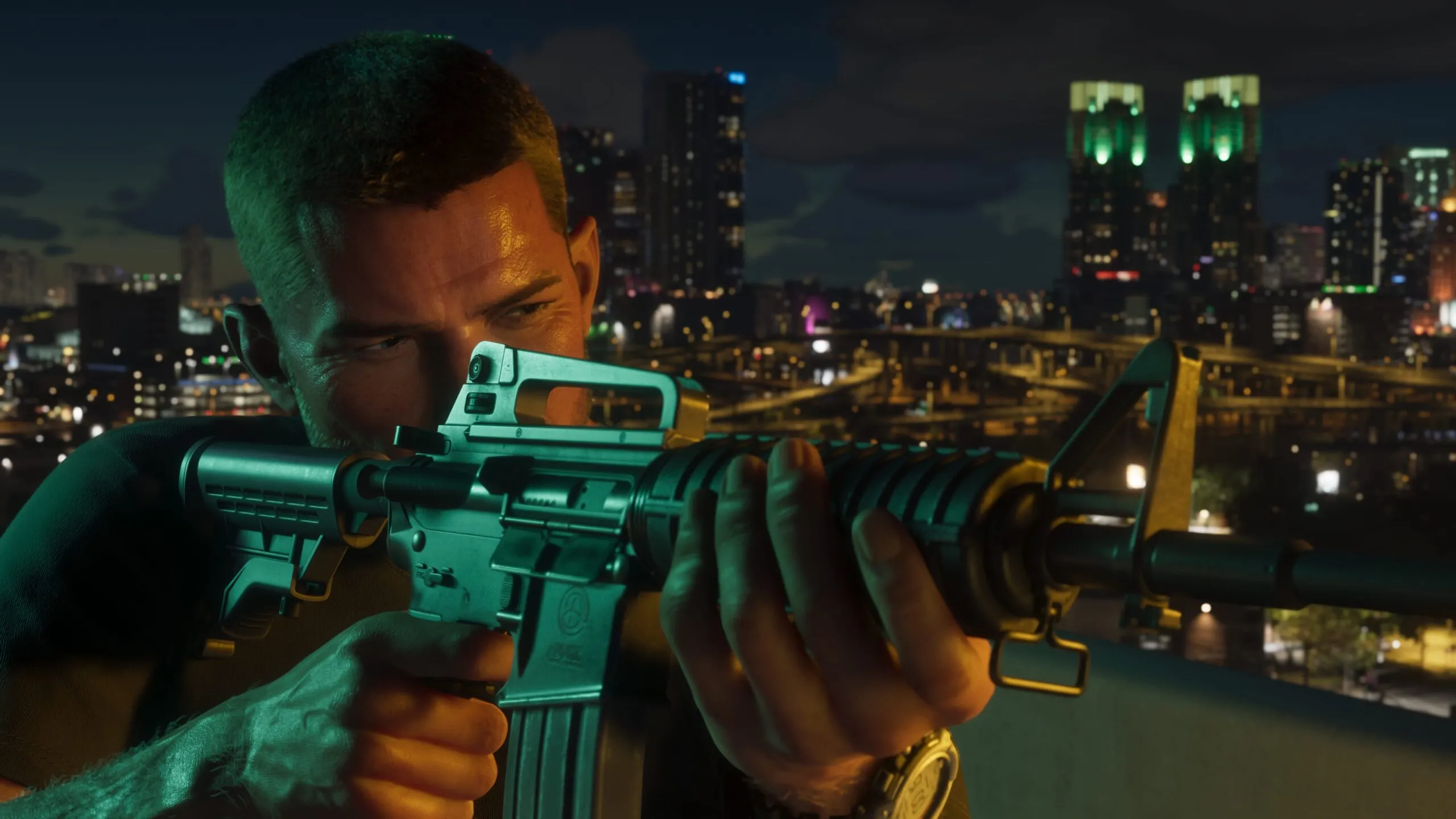
How do you switch GTA 6 to first person?
On foot, stop moving and hold the first-person input. PlayStation players use L2 plus R3. On Xbox, it’s LT plus a click of the right stick.
- Come to a full stop.
- On PS5, hold L2 and press R3. On Xbox Series X|S, hold LT and press the right stick.
- Let go of the buttons to return to the standard view.
The walkthrough doesn’t say if the view stays active until you press the buttons a second time, so try it on your own save. The source mentions no main menu setting for it.
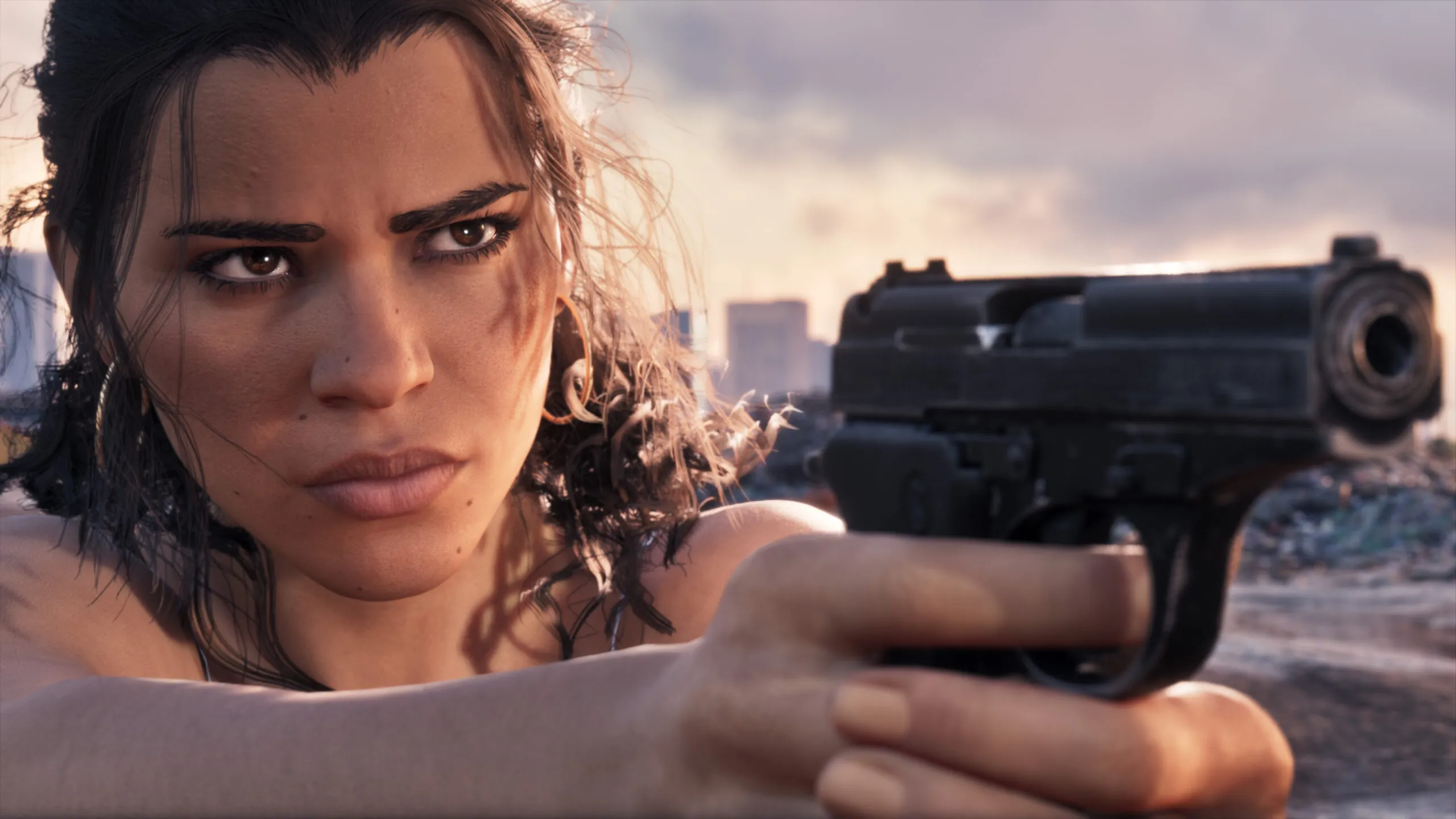
Does aiming work in first person?
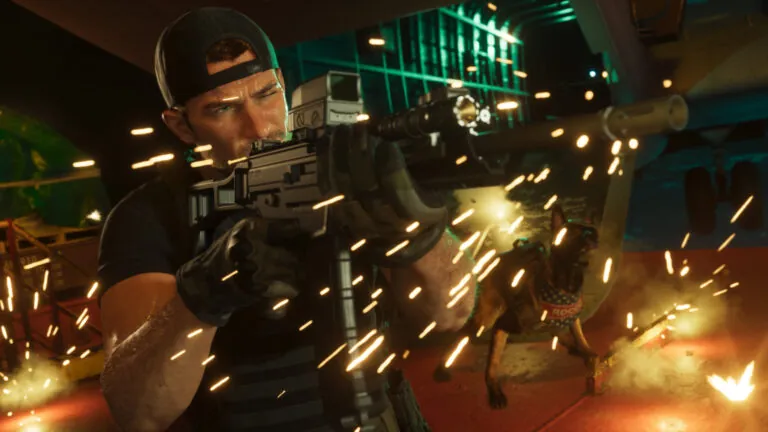
Yes. Aiming a sighted weapon uses the same input as the standing first-person view, and it gives you a close look through the sight on rifles and similar guns.
The guide doesn’t list which weapons count as sighted. It says nothing about hand weapons or pistols, so we can’t tell you how they behave. Consider that unconfirmed.
Does driving work in first person?
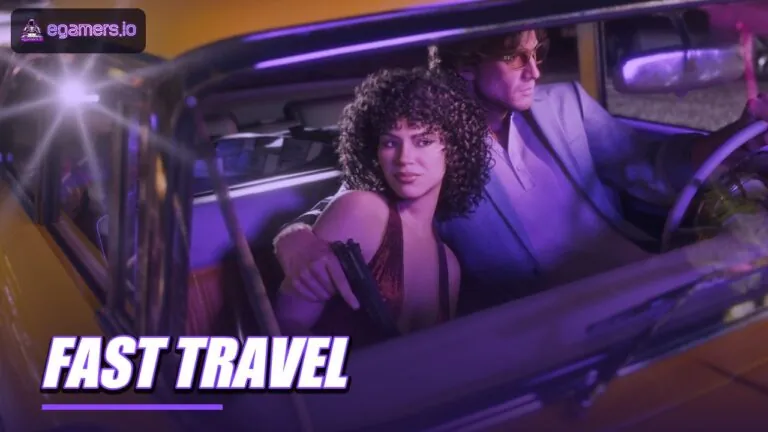
Yes, if you use the phone. Inside a car, press D-Pad Up to take out the phone and the camera moves to a first-person driving view.
It’s a workaround and not a camera option. The guide doesn’t explain what the phone displays while you drive like this, or if its apps still work, so those points are unconfirmed too.
Can you walk or run in first person?
No. The view works only while you’re standing still, aiming, or driving with the phone out. The guide offers no method for walking in it.
Because of that limit, first person is for looking and aiming, and you can’t play the whole game in it. If you wanted a full first-person mode like the one earlier Grand Theft Auto games had on the same platforms, the launch version doesn’t include one.
Is a full first-person mode coming to GTA 6?
Nothing is confirmed. The walkthrough’s author guesses Rockstar might add one in a later patch, but Rockstar hasn’t announced anything like that.
That guess comes from one outlet. We mention it so you know where the rumour started, and we’ll update this page if Rockstar makes an official statement.
How do you test the controls on your own save?
Pick a quiet spot with no enemies or traffic nearby. The input is hidden, so no on-screen prompt tells you it worked.
- Stand still on foot with no weapon out and hold the input for your platform.
- Equip a sighted weapon, aim, and compare the view with normal aiming.
- Climb into a car, press D-Pad Up for the phone, and drive a short way.
- Write down what changes and what stays the same, then check it against this page.
If what you see doesn’t match the early walkthroughs, an update, a different control layout or a save difference is the likely reason. We can’t tell which from our end.
Why the limits on first person matter
They set your expectations for the camera. Rockstar designed GTA 6 around a third-person view, and since the first-person input works in only three situations, it looks like a secondary feature.
If you usually play other games in first person, plan on switching to third person for moving around, open combat and most driving. That’s our inference from the limits above. Rockstar hasn’t said it.
Things to watch for
- The on-foot input uses a stick click (R3 on PlayStation), so try it somewhere calm first.
- Driving in first person only works with the phone out.
- GTA 6 launched on PS5 and Xbox Series X|S. Rockstar hasn’t announced a PC release date, so there’s no keyboard binding to report.
- The guide covers the controls only. It doesn’t describe how the view looks or how wide the field of view is.
If the controls work differently for you, let us know. Patches can change things, and update 1.002 was already rolling out before launch.
FAQ
Which buttons turn on first person in GTA 6?
On PlayStation, stand still, hold L2 and press R3. On Xbox, hold LT and press the right stick. Aiming a sighted weapon uses the same input.
Does first person work in a car?
Yes, if you take out your phone with D-Pad Up while driving. It’s a limited workaround and not a regular camera setting.
Can I walk around in first person?
No. It only works while you stand still, aim a sighted weapon or drive with the phone out.
Has Rockstar confirmed a full first-person mode for GTA 6?
No. One walkthrough author speculates about a later patch, but Rockstar has announced nothing, so treat it as a rumour.