
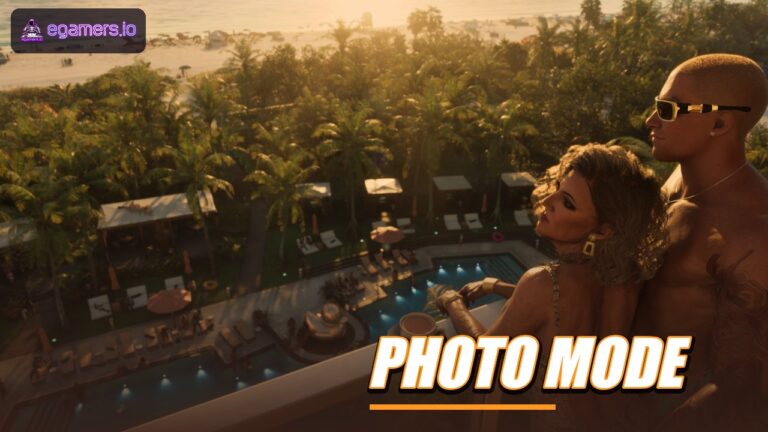







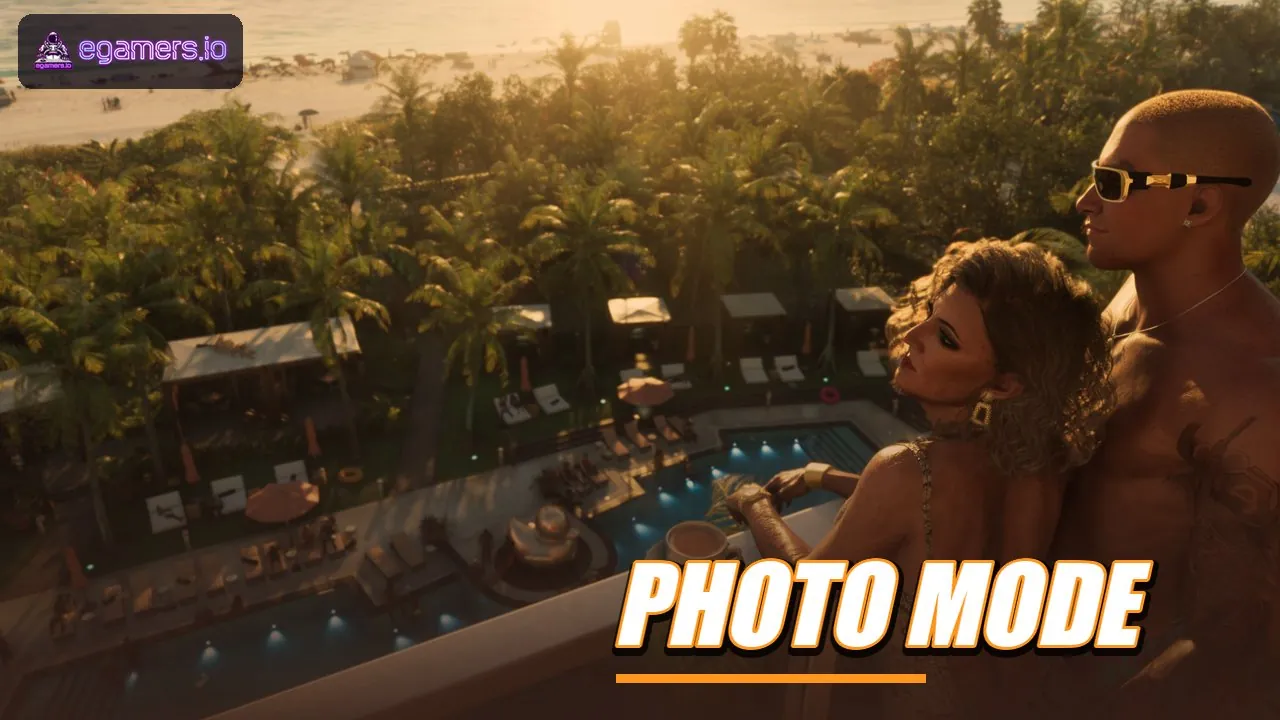
Reports say GTA 6 ships with a photo mode named Photo Studio, reached through the pause menu or a button shortcut. You reportedly can’t share those shots on Snapmatic, since Jason and Lucia aren’t able to upload their own pictures.
Nearly everything here traces back to one source, published on 18 November 2026, a day before the game’s release. Treat these details as unverified until launch: we’ll check this page again as players report what they find.
How do you open photo mode in GTA 6?
Open the pause menu and select Photo Studio. You can also use the console shortcut, which is Square on PS5 and X on Xbox, and you don’t need the in-game phone for either route. Only one source reports this so far, and it points out that the PlayStation button is Square, not Cross.
What can Photo Studio change?
The same source lists these settings: aspect ratio, aperture, depth of field, colour palette, preset filters and vignette. Lights can be added too. Spot, flood and softbox types are available, each with hue and intensity, and they can be stacked in multiple layers.
Weather, time of day, character poses and expressions reportedly stay locked. Photo Studio also runs during cutscenes with a smaller set of adjustments, though the cutscene controls were described as unavailable for now. Claims that photo mode lets you change the time of day have no support, so don’t plan around that.
Can you post photos to Snapmatic in GTA 6?
Reportedly not. Snapmatic is back as a parody social feed inside the game world, and the phone camera does work. Two sources say, however, that Jason and Lucia can’t upload their own photos: as fugitives, they stay away from anything that leaves a digital trail.
The phone exists as a physical object, and when it comes out the camera turns toward the character’s hand. You can scroll through posts from non-player characters, follow influencers and pick up storylines that play out online. Posting your own pictures is the one thing that’s blocked.
Is Photo Studio the same as the phone camera?
No. The reports describe them as two separate tools. Photo Studio comes up from the pause menu or a shortcut button and works without the phone. The phone camera is tied to the Snapmatic feed in the game world, where other characters’ posts can be viewed. Our reading of the reports is that you could set up a shot in Photo Studio and have no way to publish it, but no source states that as a rule.
Where are GTA 6 photos saved?
That hasn’t been confirmed. None of the sources we read explain how to export a photo or where the file ends up. The PS5 Create button and the Xbox capture feature are general platform tools, and we have no information that GTA 6 handles them differently.
How does saving the game work in GTA 6?
A walkthrough published on launch eve says to save manually at the beginning and end of every chapter. That page also says the game has no mission replay and no gold medals.
It doesn’t mention autosave, and we couldn’t find anything else describing how autosave works. The number of save slots is also unknown. With no replay option, saving before a major mission looks like a sensible habit, though that’s our inference and not a stated rule.
How long is the story, and can you miss things?
According to the walkthrough, the story runs across five chapters and takes roughly 60 to 80 hours. Certain optional missions carry an hourglass icon on the map, which marks them as time-sensitive. Skipping them reportedly has no effect on trophies or 100 percent completion. Strangers and Freaks remain open in free roam once the story is over. If a quest doesn’t show up, try other quests or have your character sleep.
What should you check after launch?
- Whether Photo Studio shows up in the pause menu as reported
- Whether photos can be exported, and where they’re stored
- How autosave works and how many save slots there are
- Whether the lighting and filter options match the list above
Lighting is the most detailed section of the report. Spot, flood and softbox lights each get a hue and an intensity setting, and multiple layers can be combined, which points to a fairly capable tool for something that lives in the pause menu. That’s based only on the written description; we haven’t seen footage of the screen.
Does GTA 6 definitely have a photo mode?
Probably, though it isn’t certain. Older material said it was unclear whether a free-camera mode would make it into the game, and some search results claim official materials don’t document one. The 18 November guide now lays out Photo Studio in detail, but no second outlet has backed it up yet. This page will be updated once one does.
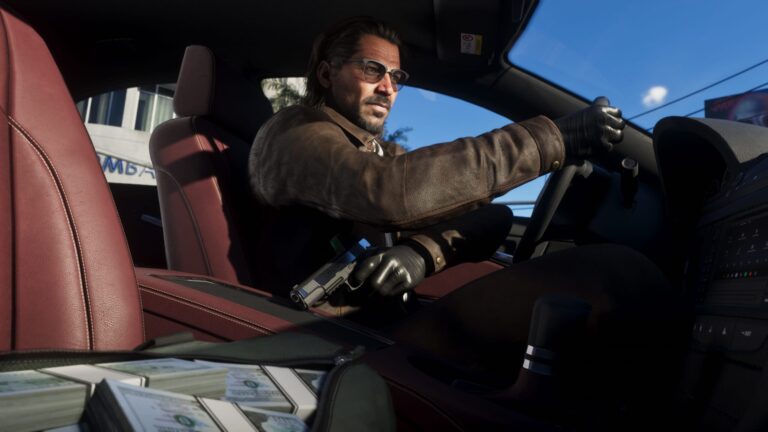
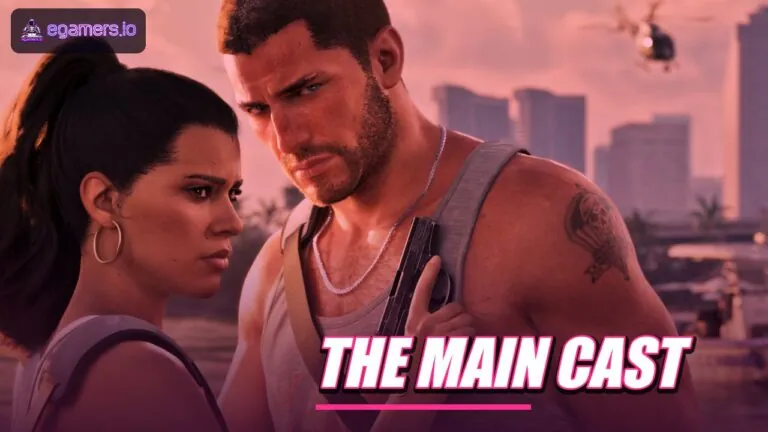
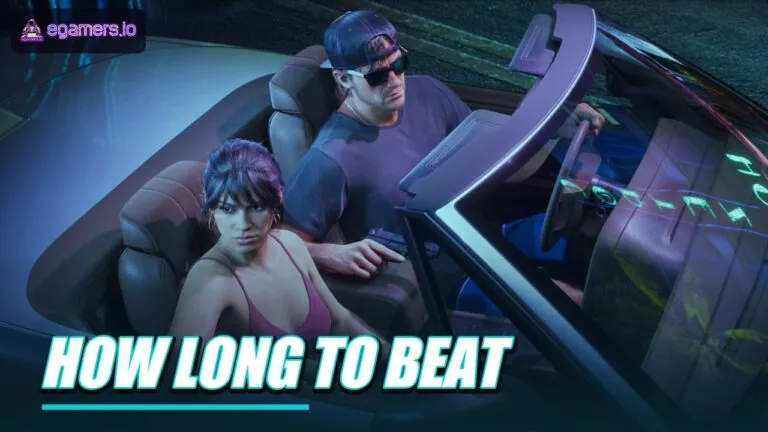
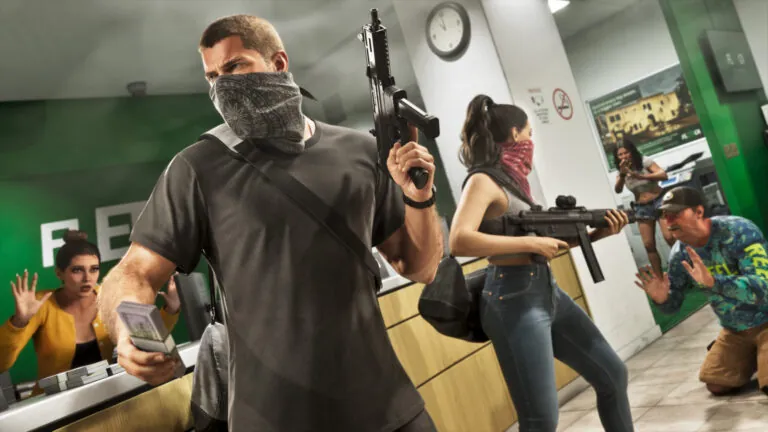
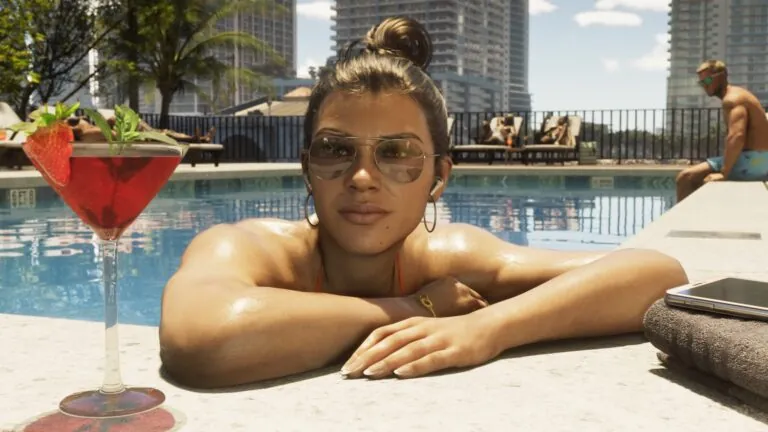
The images on this page are Rockstar promotional frames and were not captured from the Photo Studio screen. If your platform shows a different shortcut, a missing option or a working export, that information will replace what’s written here.
FAQ
Does GTA 6 have a photo mode?
Reportedly yes. It’s called Photo Studio and opens from the pause menu. Only one source makes the claim so far, so confirm it after launch.
How do you open Photo Studio in GTA 6?
Pause the game and pick Photo Studio, or press Square on PS5 or X on Xbox. You don’t need the phone.
Can you share GTA 6 photos on Snapmatic?
No, reportedly. Snapmatic runs as a social feed inside the game world, but Jason and Lucia can’t upload their own photos.
Where are GTA 6 photos saved?
Unconfirmed. No source explains how to export photos or where they’re saved.
How often should you save in GTA 6?
One walkthrough advises a manual save at the start and end of every chapter, because there’s no mission replay. How autosave works is unknown.