
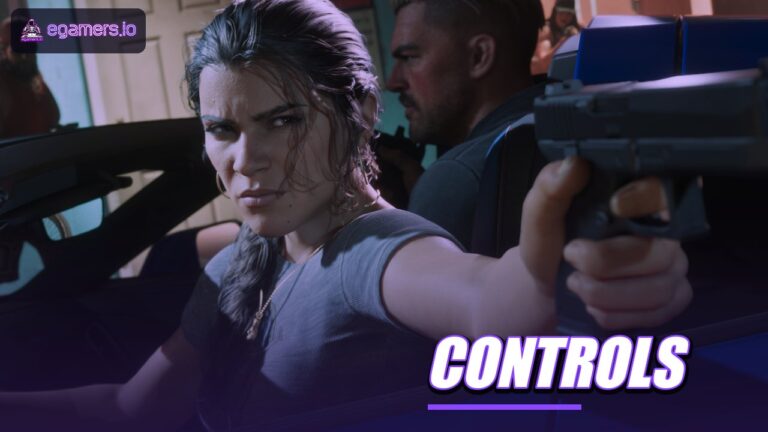









The reported GTA 6 controls on PS5 and Xbox put aim on L2 or LT, shooting on R2 or RT, cover on R1 or RB, jump on Square or X, and sprint on a click of the left stick. A single source pieced this layout together from pre-launch footage, so it could still change.
Verify after launch: we will re-check this page as players report back. The guide reflects information available on 18 November 2026, and we have not played the game. Until players confirm each button in the game’s own controls menu, every entry below rests on one source.
Which buttons control GTA 6 on foot?
Below is the core on-foot layout, with PlayStation listed first and Xbox second. It comes from a table built from footage and marked as subject to change.
| Action | PS5 | Xbox |
|---|---|---|
| Aim | L2 | LT |
| Shoot | R2 | RT |
| Cover | R1 | RB |
| Jump or climb | Square | X |
| Crouch | X | A |
| Melee and reload | Circle | B |
| Enter or exit vehicle | Triangle | Y |
| Weapon wheel | Hold L1 | Hold LB |
| Phone | D-pad Up | D-pad Up |
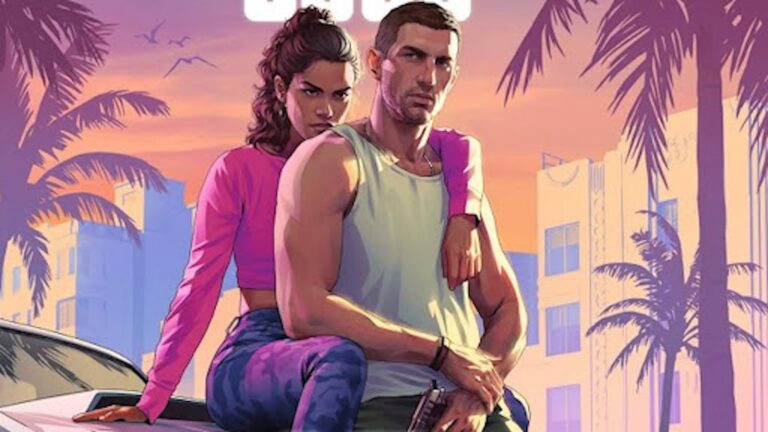
| Swap Jason and Lucia | Hold D-pad Down | Hold D-pad Down |
| Sprint | Click left stick | Click left stick |
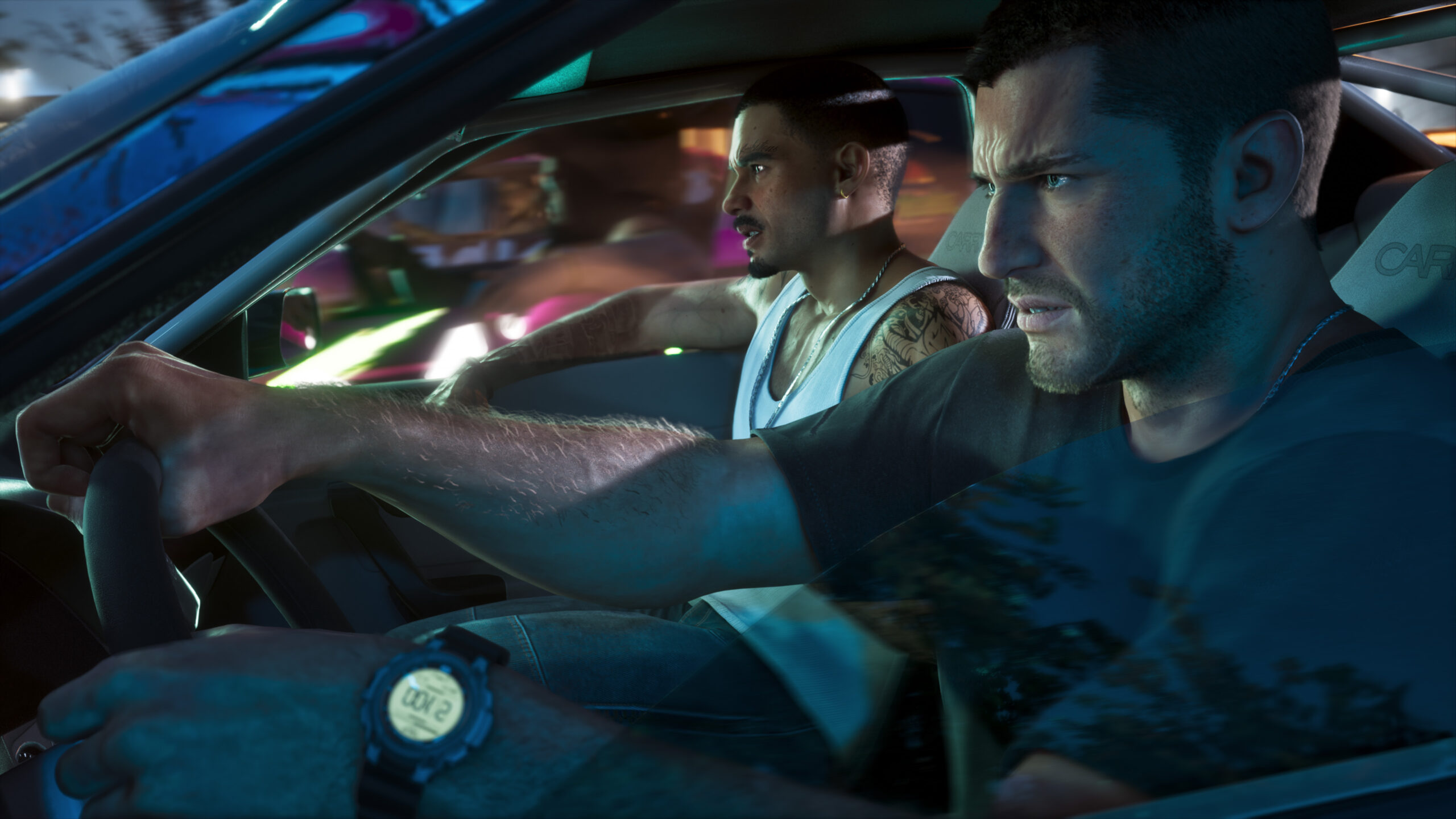
What other on-foot actions are there?
The same table lists more inputs. The left stick moves you and the right stick aims the camera. Clicking R3 looks behind you, and moving R3 swaps targets. L1 or LB picks up and swaps weapons, while R1 or RB uses a consumable. Sniper zoom sits on left stick up and down. Triangle or Y interacts, which includes knocking, grabbing and petting animals.
With no weapon out, L2 or LT opens an NPC menu: X or A gives a positive response and Circle or B a negative one. D-pad Down zooms the map, the Touchpad or View button switches the camera or opens the map, and Options or Menu pauses the game. D-pad Down shows up twice in the reported layout, once for map zoom and once for swapping characters, so the game may rely on context to separate the two.
How do driving and flying work in GTA 6?
Vehicles keep most of the on-foot layout but reassign the triggers. Aircraft get a set of their own.
| Action | PS5 | Xbox |
|---|---|---|
| Accelerate | R2 | RT |
| Brake or reverse | L2 | LT |
| Handbrake | X | A |
| Horn | Click L3 | Click L3 |
| Radio | Hold D-pad Left | Hold D-pad Left |
| Camera | Touchpad | View |
| Aircraft thrust | R2 | RT |
| Aircraft descend | L2 | LT |
| Rudder | L1 and R1 | LB and RB |
| Landing gear | Click L3 | Click L3 |
| Auto-hover | D-pad Up | D-pad Up |
Inside a vehicle, R1 or RB shoots, Square or X looks left and Circle or B looks right. On a bike, pushing the left stick up gives a stoppie and pulling it down gives a wheelie. In aircraft, the left stick controls roll and pitch, X or A fires the primary weapon, Circle or B fires the alternative, and the right stick aims a turret.
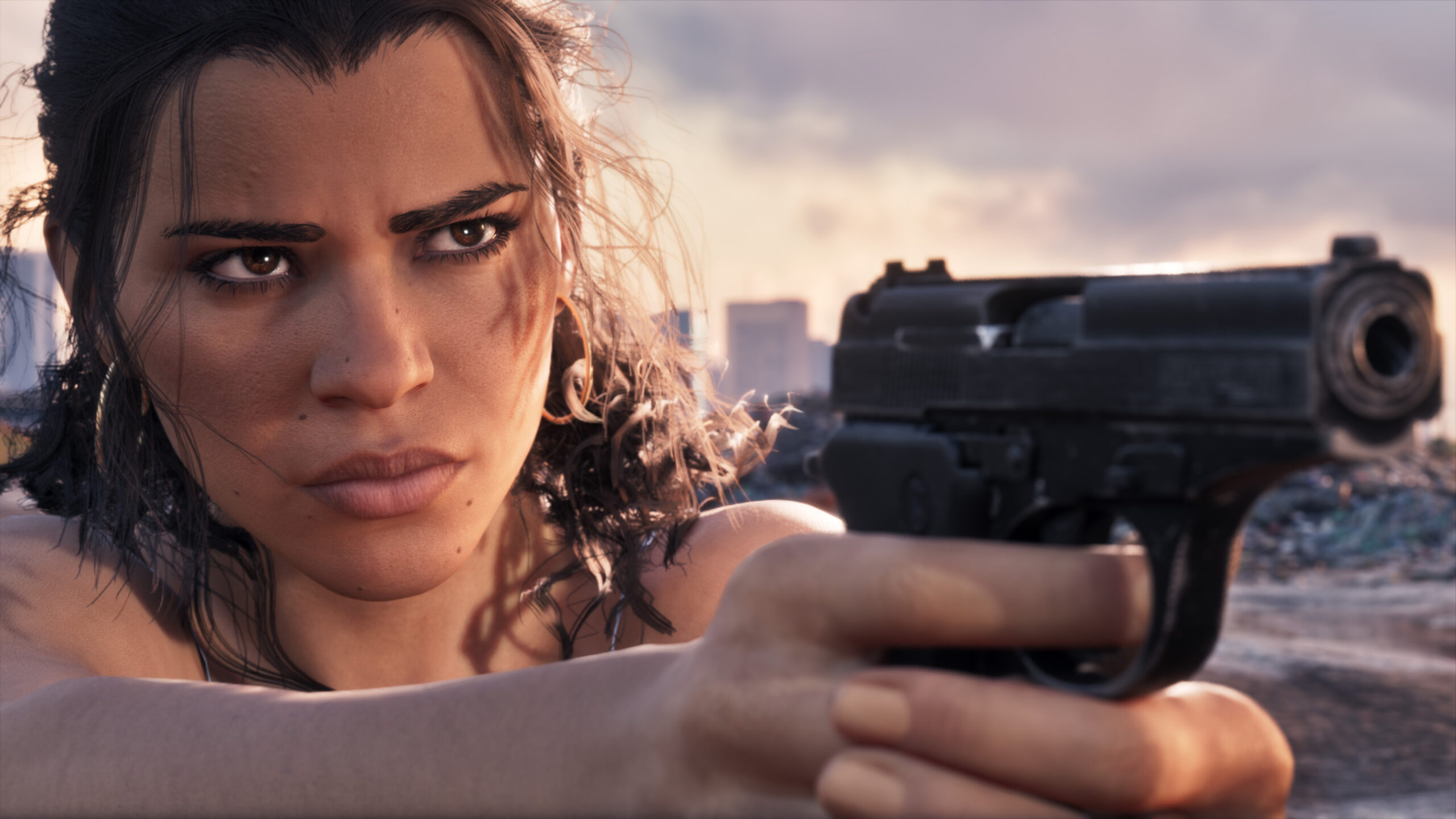
Which buttons handle swimming, bicycles and parachutes?
- Bicycle: hold X or A to pedal. Square or X brakes, L1 or LB bunnyhops and clicking L3 rings the bell.
- Swimming: hold X or A to swim and Square or X to jump or dive. R2 or RT takes you underwater.
- Parachute: X or A deploys and Triangle or Y detaches. Hold X or A for smoke, use L1 or R1 to brake and press L1 and R1 together for precision. L2 aims, and Square or X cycles drive-by weapons.
Is there a best settings preset for GTA 6?
No confirmed preset exists. A pre-launch checklist warns against treating its tips as a preset. Its advice is to leave sensitivity at default and tweak it a little, pick the vehicle camera with the clearest view of the road, use the calibration screen if the game has one and switch subtitles on. It offers no numbers.
Frame rate targets haven’t been confirmed either. Figures of a 30 fps baseline and 40 fps on PS5 Pro are guesses, and Rockstar has not revealed any performance modes.
Are there accessibility options or PC controls in GTA 6?
Accessibility features are unconfirmed. As of 29 October, Rockstar had not published subtitle, colourblind, motion, remapping or sensitivity options. PS5 and Xbox offer system-level settings such as text size, high contrast, colour filters, Reduce Motion and custom button assignments, but no one has tested whether GTA 6 follows them. PC isn’t part of the launch, and one source says PC controls will arrive after release.
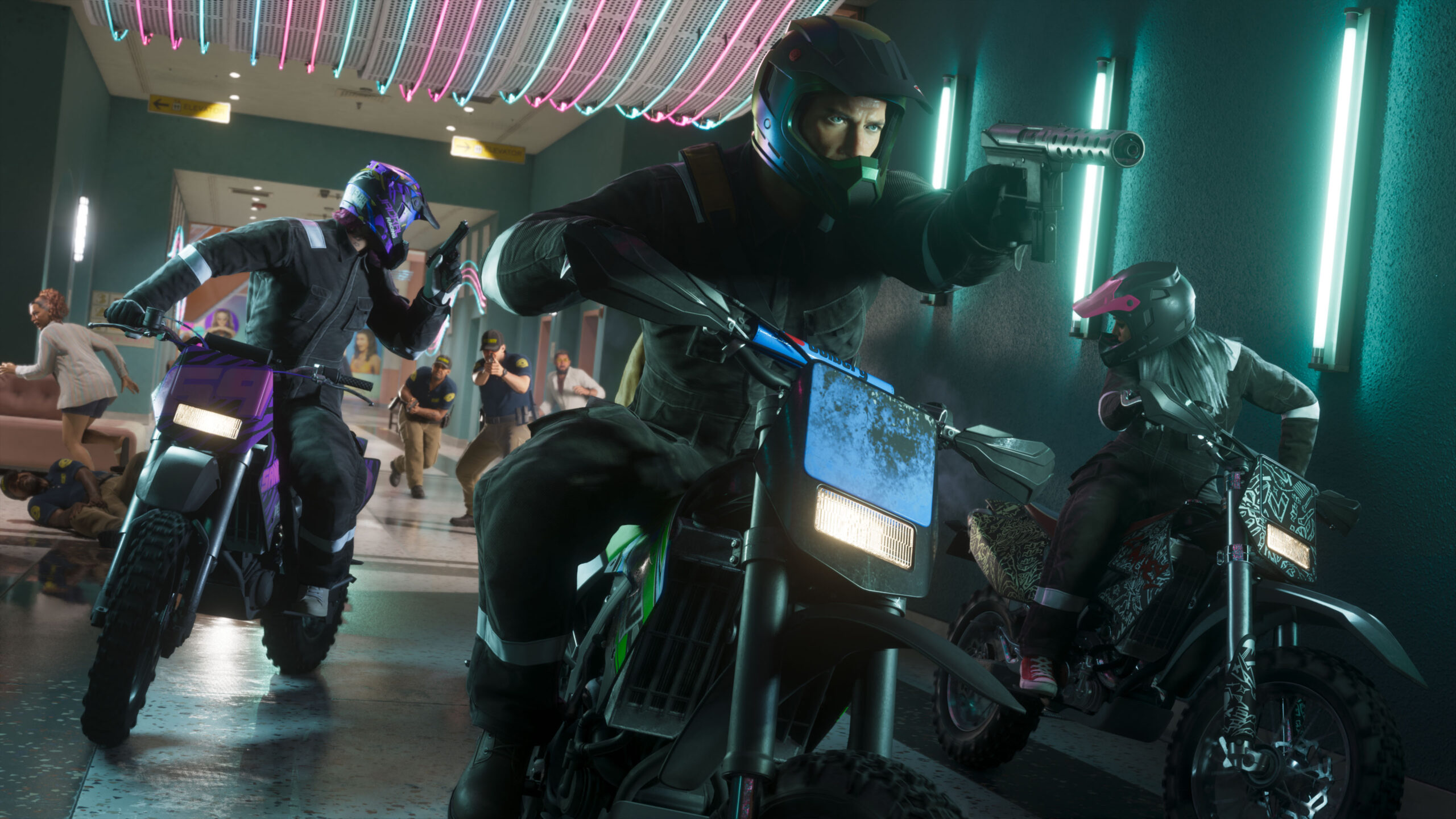
How far can you trust this layout?
The button table comes from a single source working from pre-launch footage. The reported sprint change is the least certain entry. Use the layout as a starting point, then open the controls menu in the game and go with whatever it shows wherever the two differ.
FAQ
What are the GTA 6 controls on PS5?
The reported layout puts aim on L2, shoot on R2, cover on R1, jump on Square, crouch on X and reload on Circle. It is based on pre-launch footage, so check the in-game controls menu.
How do you sprint in GTA 6?
You click the left stick, according to one source so far. That source also says tap-to-sprint has been dropped, which is unconfirmed.
How do you switch between Jason and Lucia?
Hold D-pad Down, according to the reported layout. The weapon wheel sits on hold L1 or LB, and the phone is on D-pad Up.
Does GTA 6 have accessibility options?
Unconfirmed. As of 29 October, Rockstar had not published subtitle, colourblind, motion or remapping options. Consoles have their own system-level options, but nobody has tested whether GTA 6 follows them.
Is there a best settings preset for GTA 6?
No, no confirmed preset exists. The general advice is to keep default sensitivity and adjust it slightly, choose the vehicle camera with the best view of the road and turn subtitles on.