

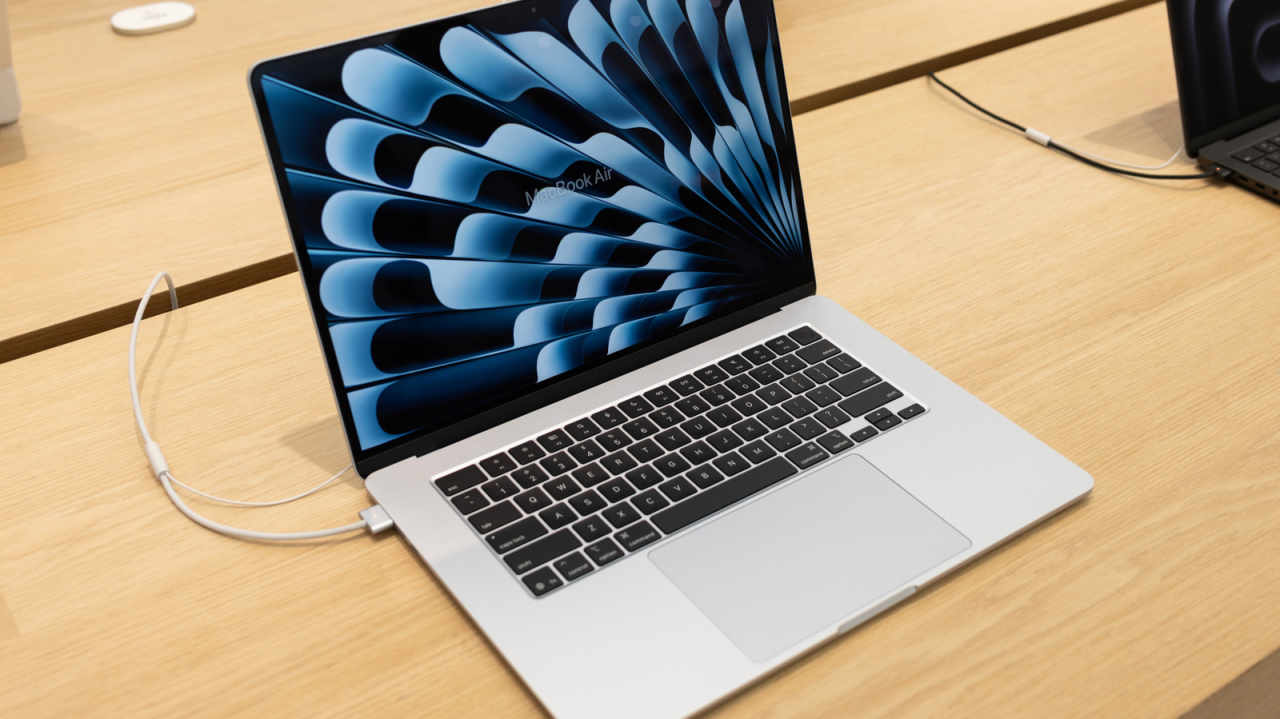
Owners of older laptops were taught a simple rule: unplug the charger, because keeping the battery at 100 percent cooks it. On a modern MacBook, that advice mostly no longer holds. Keeping the charger connected all day is generally fine.
The battery isn’t what you need to worry about. Heat is. Whether the cable stays plugged in matters less than a few habits and one setting.
Your Mac stops charging by itself
Most of the time, using your MacBook while it charges has no real effect. Macs come with built-in software that keeps an eye on battery life and adapts to the way you use the machine and to changes in power.
The software looks at the battery’s temperature history and at your charging habits, then adjusts how it charges to fit them. If the data calls for it, the system lowers the battery’s maximum charge. That reduces wear and helps the battery last longer.
So the system pauses charging whenever it decides the timing is right. Avoiding a full 100 percent charge and leaving it there used to make sense. These days you can keep your MacBook plugged in while you work.
The hardware also helps. Like nearly every other laptop, MacBooks use lithium batteries, which can handle a high number of charge cycles.
Check one setting before you rely on it
The feature is called battery health management. It is on by default on Mac laptops running Catalina 10.15.5 (released in 2019) or later. If you turned it off at some point, switching it back on takes about four clicks.
Go to the Apple menu, choose “System Settings” and find “Battery” in the sidebar. In that section, click “Battery Health” and choose “manage battery longevity.”
While you’re in there, check the status too. “Battery Health” will usually show either “normal” or “service recommended.” The figure will slowly go down over the years, which is expected. Apple doesn’t suggest a replacement until capacity falls below 80 percent.
Heat causes the most harm
Heat hurts battery health more than anything else. A MacBook that runs hot while it charges can lose battery health, so working at a café in warm weather deserves a second thought.
Apple lists the MacBook Air’s operating temperature range as 50° to 95° F. If you’re working outside on a warm day, think about unplugging or moving into the shade.
Weather isn’t the only cause. Some cases and laptop stands can make a machine overheat while it charges. If your MacBook feels hot, check that nothing is blocking the fans. Keeping the battery cool is one of the easiest ways to help it last.
Exceptions to keep in mind
The advice to leave it plugged in has a few caveats. Keep in mind unusual problems with your home’s power, such as storms or blackouts, and overheating from other causes. Unplugging from time to time can also help keep the battery healthy.
The charge level matters in one case: long-term storage. If you won’t be using your MacBook for a while, Apple recommends charging it to about 50 percent before putting it away.
“If you store it fully charged for an extended period of time, the battery may lose some capacity, leading to shorter battery life,” Apple’s guide said.
The bottom line: keep the charger in, make sure “manage battery longevity” is on, and save your worry for that café table in direct sun.