














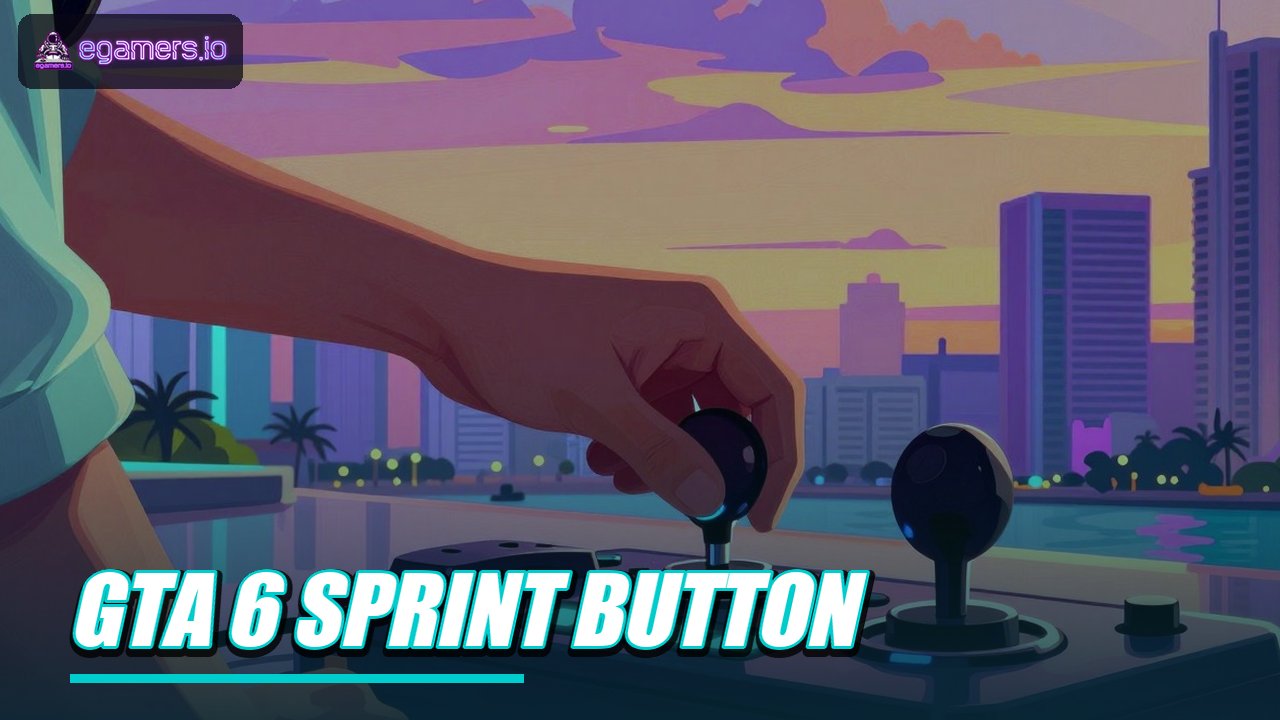
Quick answer: sprint is L3 on PS5 and Left Stick click on Xbox. Want it on X or A like GTA V? Swap Default for Classic under Control Scheme.
Do it in four taps
- Pause.
- Settings.
- First tab, Control Scheme.
- Default becomes Classic.
What you get
Classic puts sprint on X (PS5) or A (Xbox), the same as GTA V. Veterans will feel at home right away. The game offers three schemes in total: Default, Classic and Left-Handed.
More controller options
Hit R1 on PS5 or RB on Xbox from the Control Scheme tab and you land on the Controller tab.
Rebind one button?
There is no single button rebind in the menu. You choose a whole scheme. The PS5 and Xbox system menus have their own remapping if you need more.
Extra movement toggles
Under Gameplay and Movement you will find Movement Speed and Stand and Sprint, worth a look if the stick click annoys you.
Stick drift fears
Before launch, plenty of players feared L3 sprint would kill sticks. Nothing shows it does. Still, Classic dodges the issue.
Who should switch
If you spent years on GTA V, Classic is the fastest way to get your muscle memory back. If you are happy with the stick click, nothing in the menu pushes you to change it.
Side by side
| Layout | PS5 | Xbox |
|---|---|---|
| Default | L3 | Left Stick click |
| Classic | X | A |
Left-Handed is the third scheme, so look at the Control Scheme tab for its layout. Spend a few minutes driving and shooting after you switch. If the stick click feels fine, there is no reason to change anything.
FAQ
What is the GTA 6 sprint button?
L3 on PS5, Left Stick click on Xbox.
How do I get GTA V style sprint?
Switch the Control Scheme from Default to Classic in Settings.
Which control schemes exist?
Default, Classic and Left-Handed.
Is stick drift a risk with L3 sprint?
Nothing shows that it causes drift.