

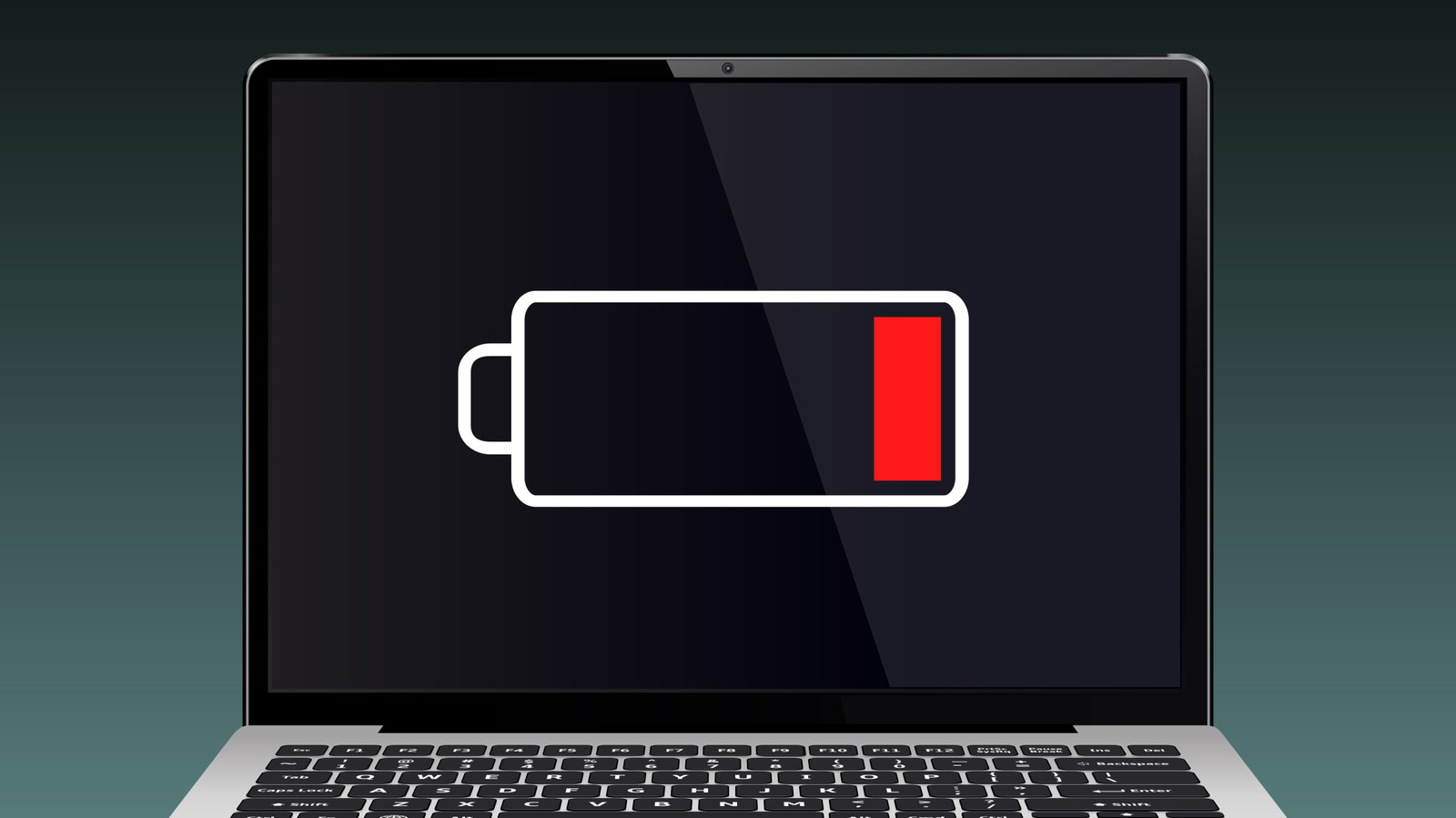
A single drain to 0% won’t ruin your laptop battery. The damage comes from repeating it, and most people never think about that cost when the screen cuts out.
The scene is familiar. You’re partway through a work spreadsheet, you didn’t pack a charger, and the display goes dark until all you can see is your own face in it. Getting caught out is annoying. What a full drain does to the battery matters more.
The 20% to 80% rule
Laptops run on lithium-ion batteries, which need little care and charge fairly fast. Even so, the ideal is to never let one run flat.
According to HP, keeping the charge between 20% and 80% gives a laptop battery the longest possible life. Other advice sets the range at 40% to 80%. The figures differ slightly, but both say the same thing: wear happens at the very top and very bottom of the charge range.
That also settles the old belief that draining a battery fully before recharging helps it last longer. With lithium-ion cells, the habit does the opposite.
Why running low causes wear
Letting the battery fall to low levels again and again can wear it out. A safe range helps keep the lithium ions stable. As the battery degrades, its charging capacity can drop, which means a full charge runs out sooner than it did when the laptop was new.
The laptop may act before it gets that far. Some systems, including Windows, will shut down or hibernate before the battery hits 0%.
An occasional drain is fine. Just don’t make it a habit, particularly if you expect to use the laptop for years.
If you keep hitting empty, look for the cause
If you’re getting close to 0% more often than you want, check whether the battery is draining faster than it should. Most current laptops run 4 to 12 hours on a charge, and some last longer. The actual number depends on the model and what you use it for. Gaming laptops, for example, run out sooner.
Background apps you don’t need are a frequent cause. Your laptop may have energy settings you can review and change. Outdated software, high temperatures and connected accessories can also drain the battery faster.
The fix is mostly on you
A drained battery is usually a problem you create, and fixing it is free. Away from a charger, watch the battery percentage and plug in before it goes under 20%. The battery will hold its capacity longer.