

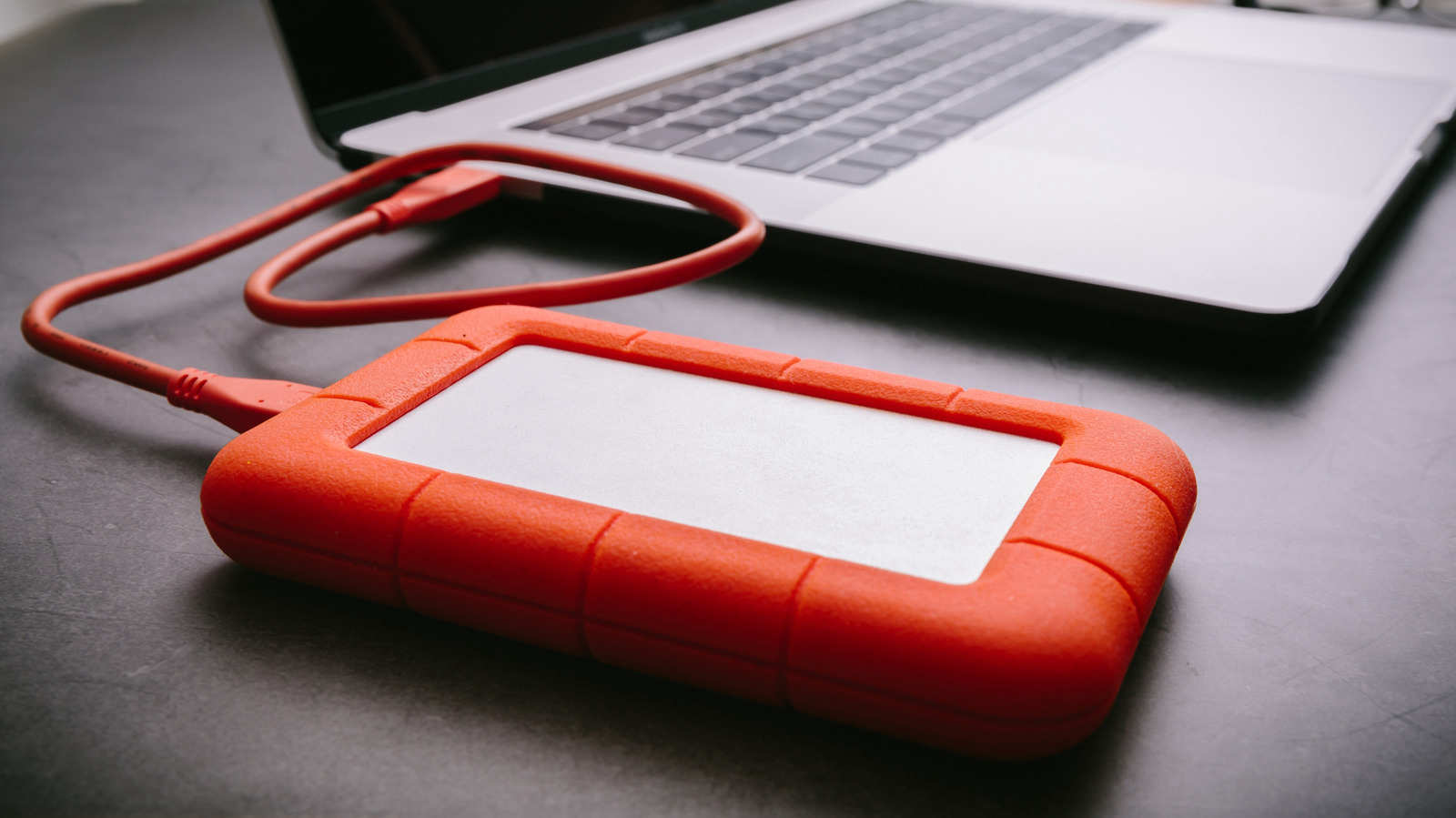
Keeping just one copy of your files on a single drive creates a single point of failure. Eventually, single points of failure give out.
You’ve likely collected years of photos and videos, plus financial records and perhaps some private poetry you’d prefer stayed private. Backing all of it up is nobody’s idea of a great afternoon. Still, you know how it feels to discover that important files are gone for good, and that feeling is far worse.
Fortunately, a failed hard drive doesn’t have to leave you breathing into a paper bag. An old, simple rule covers this situation, and it still works today.
Three copies, two types of media, one offsite
The 3-2-1 rule answers three questions: how many copies of your data to keep, how many types of media to spread them over, and where that media should be. You keep three copies of your data on two types of media and store one copy offsite. Today, most people take “two types of media” to mean two different devices.
The rule was popularized by photographer Peter Krogh in his 2009 book, “The DAM Book: Digital Asset Management for Photographers.” Krogh wrote it with huge photo libraries in mind, but the approach suits anyone whose laptop is full of tax documents just as well.
Here’s an example. Imagine the only copy of your vacation photos lives on a single SSD. When that SSD fails, the photos go with it.
Putting copies on a few more drives helps, though less than you might expect. When every copy is in the same house, a flood, house fire or burglary can destroy all of them at once.
This is the problem the offsite copy solves. It should ideally be far enough away that a disaster at your home can’t also reach wherever that copy is kept. The rule is really about redundancy: losing one copy should be an annoyance, not a catastrophe.
The rule has changed since 2009
Since the rule first caught on, both the technology and the threats have shifted a great deal. You’re probably not burning many CDs these days, and people worry less than they used to about their storage media becoming obsolete.
That’s why people adjust it. Reddit has plenty of threads where careful users describe how they’ve tailored the 3-2-1 rule to their own needs and to what they can realistically afford. A multinational corporation needs a much more elaborate plan than you do, and that’s fine.
Plenty of people use a setup like this one: the original files sit on your laptop, a second copy goes on an external hard drive, and a third lives on a private cloud server. That gives you three copies, more than one device and an offsite location.
Your cloud sync might not be a backup
iCloud, Google Cloud and similar services can serve as the offsite copy, but check the settings first. Depending on the service and the way syncing is configured, deleting a file on your computer could remove it from the cloud as well. If a copy vanishes as soon as the original does, it isn’t protecting you from much.
Some other services back up whole devices automatically. Their storage limits and pricing tiers differ, so find out what you’d actually be getting before you sign up.
Security threats have also changed how the rule should be applied, and ransomware is the biggest of them. If the device holding your offsite copy is connected to a network, a ransomware attack can still reach it. Being in another location doesn’t make a copy safe from everything.
Where to start
Your setup doesn’t have to be perfect on day one. Choose the folder you’d hate most to lose, whether that’s family photos or last year’s tax returns, and make two more copies of it. Put one on an external drive you keep at home. Put the other somewhere outside your house where a deletion on your laptop can’t reach it. With those three copies in place, you’ve started following the 3-2-1 rule, and the cat pictures and haikus will make it through the next dead drive.