
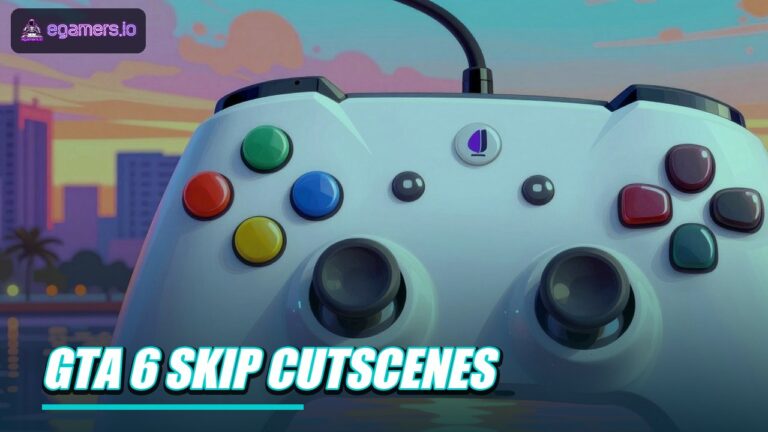



















Quick answer: hold X (Cross) on PS5 and PS5 Pro, or A on Xbox Series X and S. Keep it held until the cutscene cuts away. Tapping does nothing.
Buttons at a glance
| Platform | Skip |
|---|---|
| PS5 / PS5 Pro | Hold X (Cross) |
| Xbox Series X / S | Hold A |
Skip feels broken?
Check how long you press. A short tap is the usual culprit. There is nothing to toggle in the options and nothing to unlock, so the fix is simply to hold on.
No take backs
Here is the catch: GTA 6 gives you no way to rewatch a scene you skipped. No gallery, no replay button. The scene only returns if you saved before the mission. Load that save, replay the section, and the scene plays from the top. Our manual saves and lost progress page explains how saves work.
Why Retry Checkpoint will not save you
Retry Checkpoint drops you at the last checkpoint, which may sit after the cutscene. And there is no menu to replay finished story missions like in GTA 5, so see replaying missions for what you can repeat.
Smart habit before a big mission
- Open the pause menu and save manually.
- Keep that slot until the mission ends.
- Skipped by mistake? Load it and go again.
Quick recap
One held button ends the scene on either console. After that, the only door back is a manual save made before the mission started. Keep one around whenever a mission looks story heavy, because neither a setting nor a menu will bring a skipped scene back later. The same goes for finished missions, which cannot be picked from a list for a second viewing.
FAQ
How do I skip a cutscene in GTA 6?
Hold X (Cross) on PlayStation 5 or A on Xbox Series X and S while a story mission scene plays.
My button press does nothing. Why?
A tap is too short. Hold the button until the skip finishes.
Can I watch it again after skipping?
No replay option exists. Load a manual save from before the mission and replay that part.
Does Retry Checkpoint rewind to the cutscene?
Not always. It loads the last checkpoint, which may come after the scene.
Do I need to enable skipping first?
No, no setting is required.