
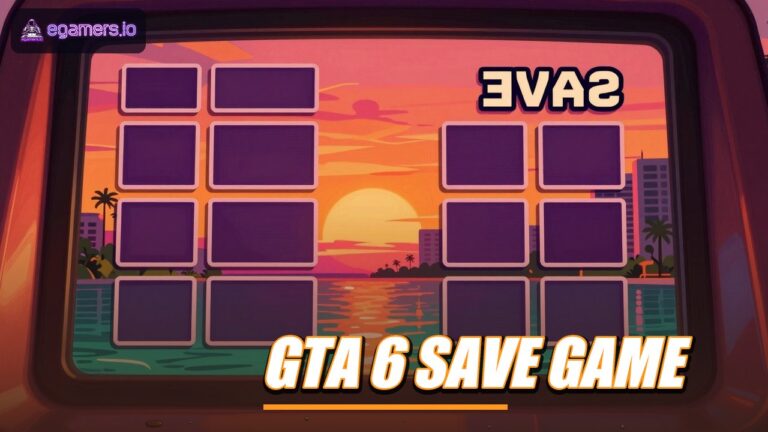














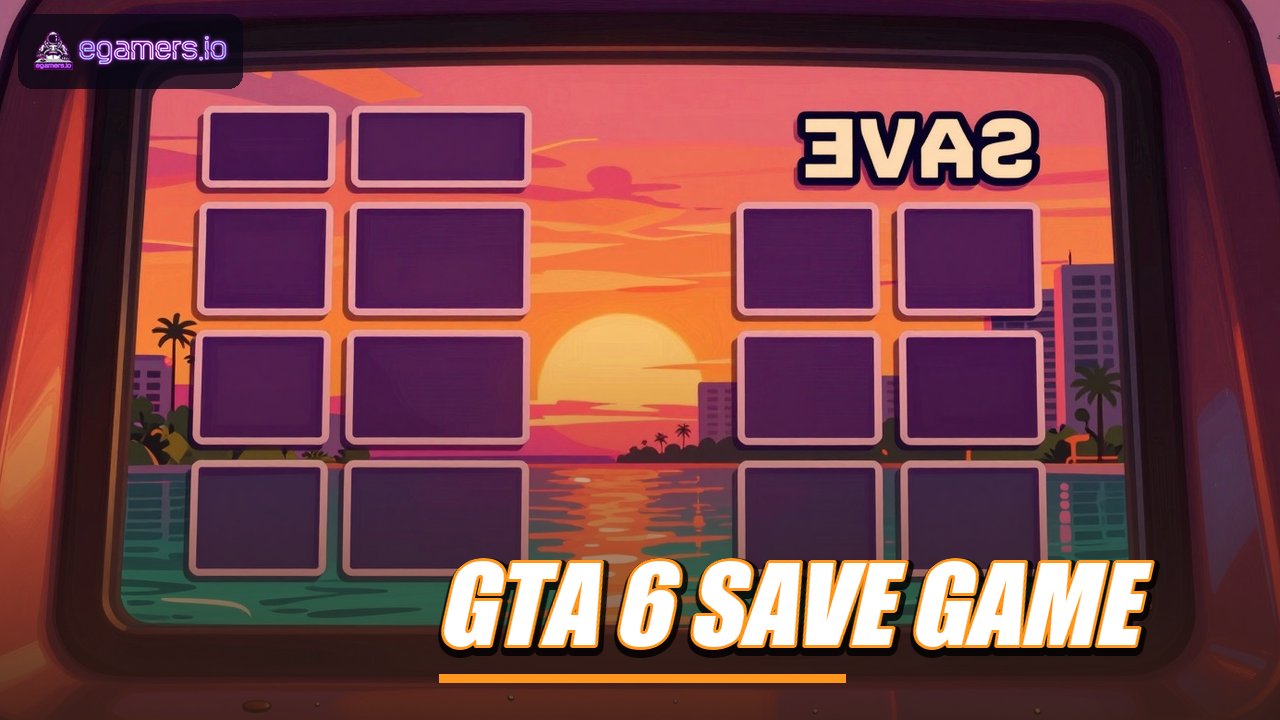
Quick answer: pause, pick Game, tap Save Game and choose one of 15 slots. You can save anywhere in the city outside missions, with no safehouse trip. The prologue and active missions block saving.
Do it in four taps
- Pause (Options on PS5).
- Game.
- Save Game.
- Empty slot for a new file, or an old manual file to overwrite.
Overwriting wipes the older state in that file, so spare slots are your safety net.
Why the button is greyed out
Prologue: saving unlocks at Jason’s house at the marina, normally after your first job for Brian. Mission: finish it or cancel it from the pause menu, then save.
Where autosave hides
It has a dedicated slot outside the 15 manual ones and runs after missions, open-world events and each chapter end. Find it under Game, then Load Game.
Redoing a mission
Completed missions cannot be replayed. Load a save from before the mission instead, and park your current progress in another slot first.
Cheat warning
Cheats switch off saving, trophies and achievements until the session ends. Save before you try one.
Horror stories and the fix
A PS5 player lost over 10 hours after a console shutdown, and some Xbox players restarted the prologue. Update 01.002.002 on Nov 23, 2026 fixed autosave not working correctly. Cloud saves let you load an earlier file if one corrupts.
Quick reference
- Manual slots: 15
- Autosave slots: 1, separate
- Safehouse needed: no
- Saving blocked: prologue and active missions
Habit worth building
Rotate between two or three manual slots, so one bad file never costs you everything. Keep cloud saves on as a second layer of protection.
FAQ
Save GTA 6 how?
Pause, Game, Save Game, then pick one of 15 slots. No safehouse is needed.
Saving greyed out in the prologue?
Manual saving unlocks at Jason’s house at the marina, usually after the first job for Brian.
Where is autosave?
Its own slot, under Game, then Load Game.
Save in a mission?
No. Complete or cancel it from the pause menu first.