

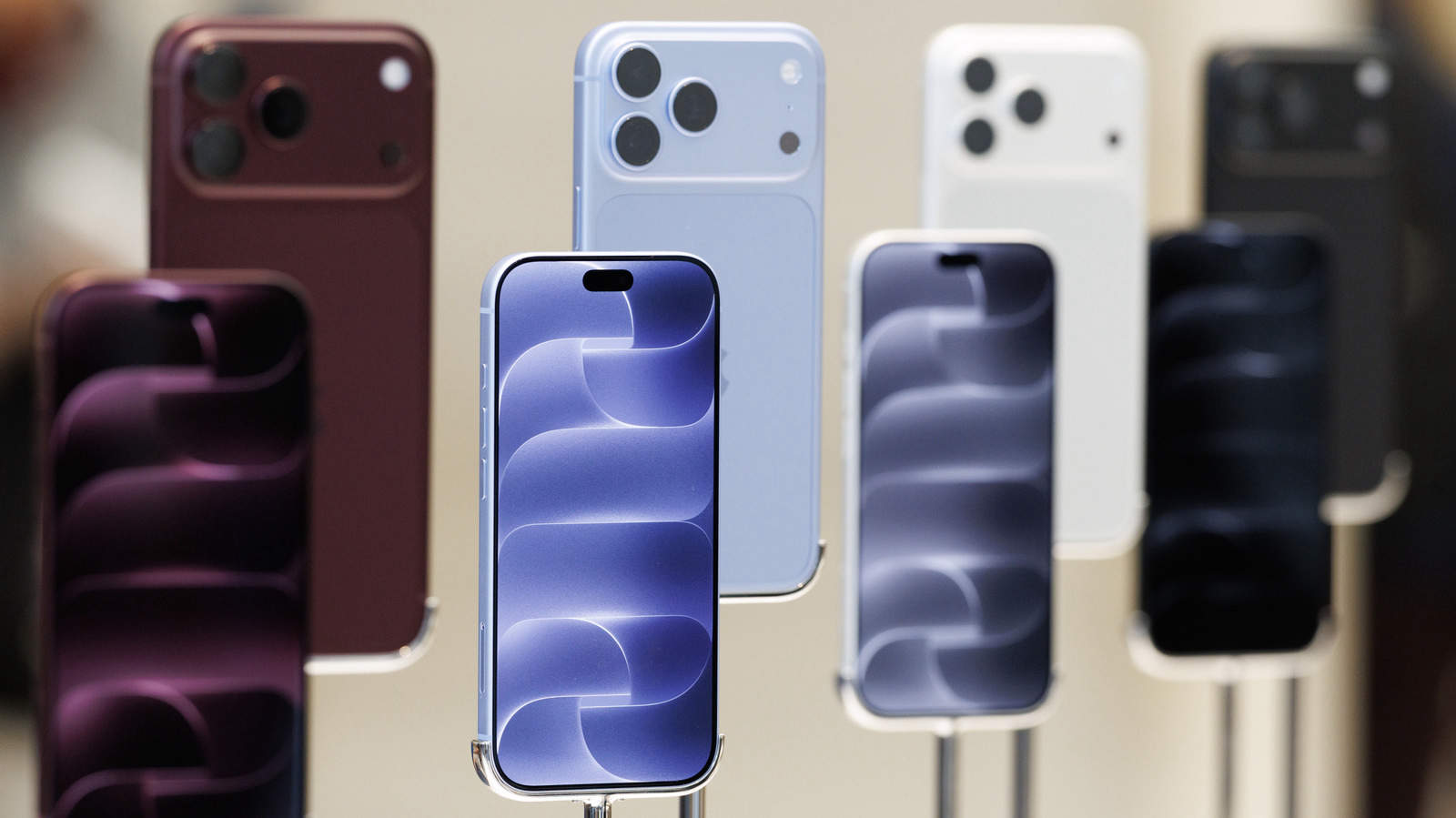
If your iPhone 18 Pro Max on AT&T already shows “SOS,” a software update won’t fix it. You’ll need a replacement phone.
Apple has acknowledged that the network problem iPhone 18 Pro Max owners have been reporting is real. Its fix comes in two parts, and it only protects handsets that haven’t run into the problem yet. According to Apple, phones that have already lost service will need new hardware.
Only AT&T users in the US are affected
So far, the issue seems to affect only AT&T subscribers in the US. Even on that network, not every iPhone 18 Pro Max is hit. Apple says the bug affects only a “small number” of users.
That should reassure owners whose phones still connect. If yours is one of the affected units, though, being part of a “small number” won’t make you feel much better.
In a statement, Apple said: “We have identified an issue affecting a small number of iPhone 18 Pro Max users on the AT&T network that may cause a device to lose service and be unable to make calls. We released iOS 27.0.1 earlier this week and strongly encourage all iPhone 18 Pro Max users to update now, and are also issuing a carrier settings update today. These updates together are meant to help prevent this issue from occurring.”
Apple chose its words carefully. The company says the updates are “meant to help prevent” the problem, which is not a promise that they fix it. That fits with the fact that software can’t repair phones that are already affected.
How to tell if your phone has it
The signs are easy to spot. On an affected iPhone 18 Pro Max, the signal bars in the status bar are replaced by an “SOS” symbol. Calls, texts and 4G or 5G data also stop working.
The Qualcomm question
One detail is hard to ignore. The iPhone 18 Pro Max is the only model sold in the US that uses a Qualcomm modem rather than Apple’s own. No one has shown that the modem has anything to do with the bug, and Apple hasn’t suggested it does. Still, it’s an odd coincidence that the only phone with a different modem is the one losing its signal.
What to do right now
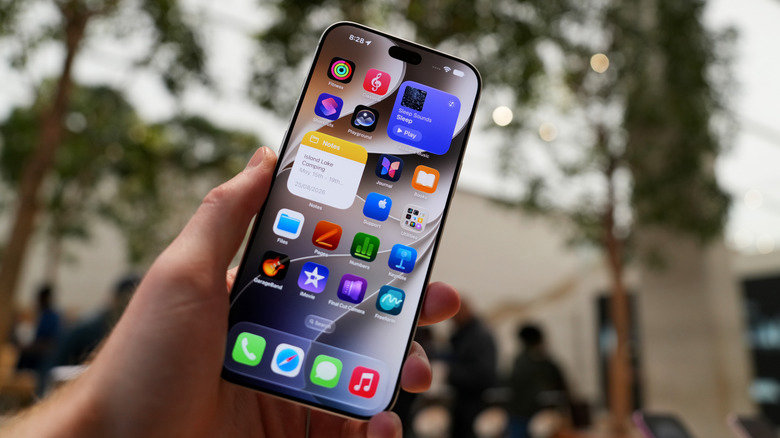
If you have an iPhone 18 Pro Max with an AT&T SIM, first install iOS 27.0.1. Open Settings > General > Software Update and install the latest version.
Next, check your carrier settings. In Settings, open General and tap About, which starts the carrier settings update. If no pop-up appears, your phone most likely has the current version already.
If your phone has already lost its cellular signal, don’t waste an afternoon restoring it. Neither a software update nor a restore will bring service back. Contact Apple Support or AT&T and ask for a replacement device.