

Sitting in your junk drawer is a free rival to that $50 Wi-Fi extender you were planning to order. It’s the Android handset you retired two upgrades back, and in roughly five minutes it can rebroadcast your home network into that dead zone in the back bedroom.
Here’s the honest version up front: it won’t beat the $50 box. But when the price is zero dollars, you can afford a lot of patience for a problem you’d been ignoring anyway.
What’s really happening when you do this
The old phone joins your existing home Wi-Fi and then pushes that same connection back out as its own hotspot. Rather than talking to the router, your laptops, tablets and smart TVs connect to the hotspot. The phone catches the signal and hands it onward.
Think of it as a relay. This is not a mesh system, and it won’t act like one. What it is: a free, low-effort patch for a weak coverage area, using hardware you already own.
There’s nothing to install and no extra gear to buy. Android’s built-in hotspot handles the entire job.
The setup takes minutes
Begin with a charged, fully updated phone. From there, open Settings and navigate to Network & Internet > Internet. Select your home Wi-Fi network and type in the password.
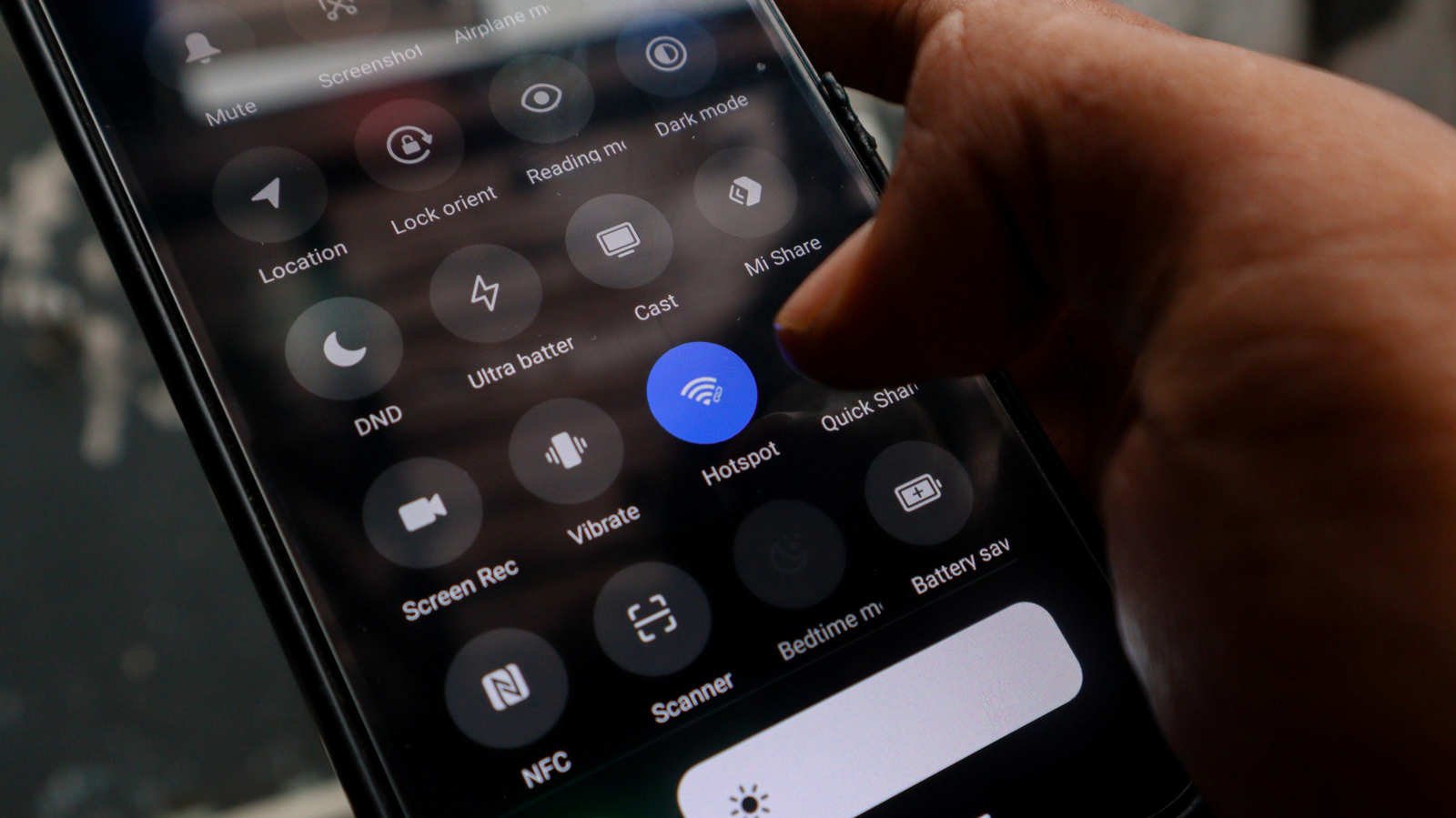
From there, go to Settings > Hotspot and Tethering and switch on Wi-Fi Hotspot. Prefer a shortcut? The Hotspot icon sits in the drop-down menu too.
Tapping the Wi-Fi hotspot lets you rename the network and set a strong password. Choose a name you’ll spot instantly, since manual switching is part of the deal.
Pick 5GHz only if the dead zone is close
Phones that support it will let you choose 5GHz in the speed or band settings, and devices close by will see better performance from it. Because its range falls short of 2.4GHz, though, treat this as a trade rather than an upgrade.
Band choice matters less than where you put the thing. Position the phone about midway between the router and the dead zone, and keep it close to an outlet.
Consider that outlet requirement mandatory. Battery life on aging phones is already shaky, and continuous hotspot duty burns through it quickly.
Where this falls apart
What the phone does is extend your current Wi-Fi. Boosting your internet speed is not on the menu, at all. A slow connection remains slow, only now there’s an extra hop sitting in the middle.
Put this up against any commercial Wi-Fi extender or mesh node and the phone loses. It isn’t a close call.
Smart home integration is missing as well. Support for smart home platforms and roaming between access points is common on dedicated extenders. Because an Android hotspot spins up a separate network, certain smart home devices may not connect to it reliably, and moving around the house means switching networks by hand.
Buy the hardware or not
Costs climb fast once you start looking at a mesh system or a new router. Depending on the model, a Wi-Fi extender comes in around $50. Every one of those options delivers better range and performance than a phone will.
Since the Android approach costs nothing, it’s the sensible move for a single trouble spot, or as a stopgap while you work out whether your network deserves real money. If you’d like a more stable connection, USB tethering is another route.
One thing worth trying first: look at how your router’s antennas are angled. There’s a correct way to do it, and that’s free as well.
Dig the phone out of the drawer, charge it, install the updates and give the hotspot settings five minutes. Clear the dead zone and you’ve saved a device from the recycling bin and avoided a purchase. If it doesn’t work, the lesson cost you $0, and you can buy that extender knowing precisely which problem it needs to solve.