

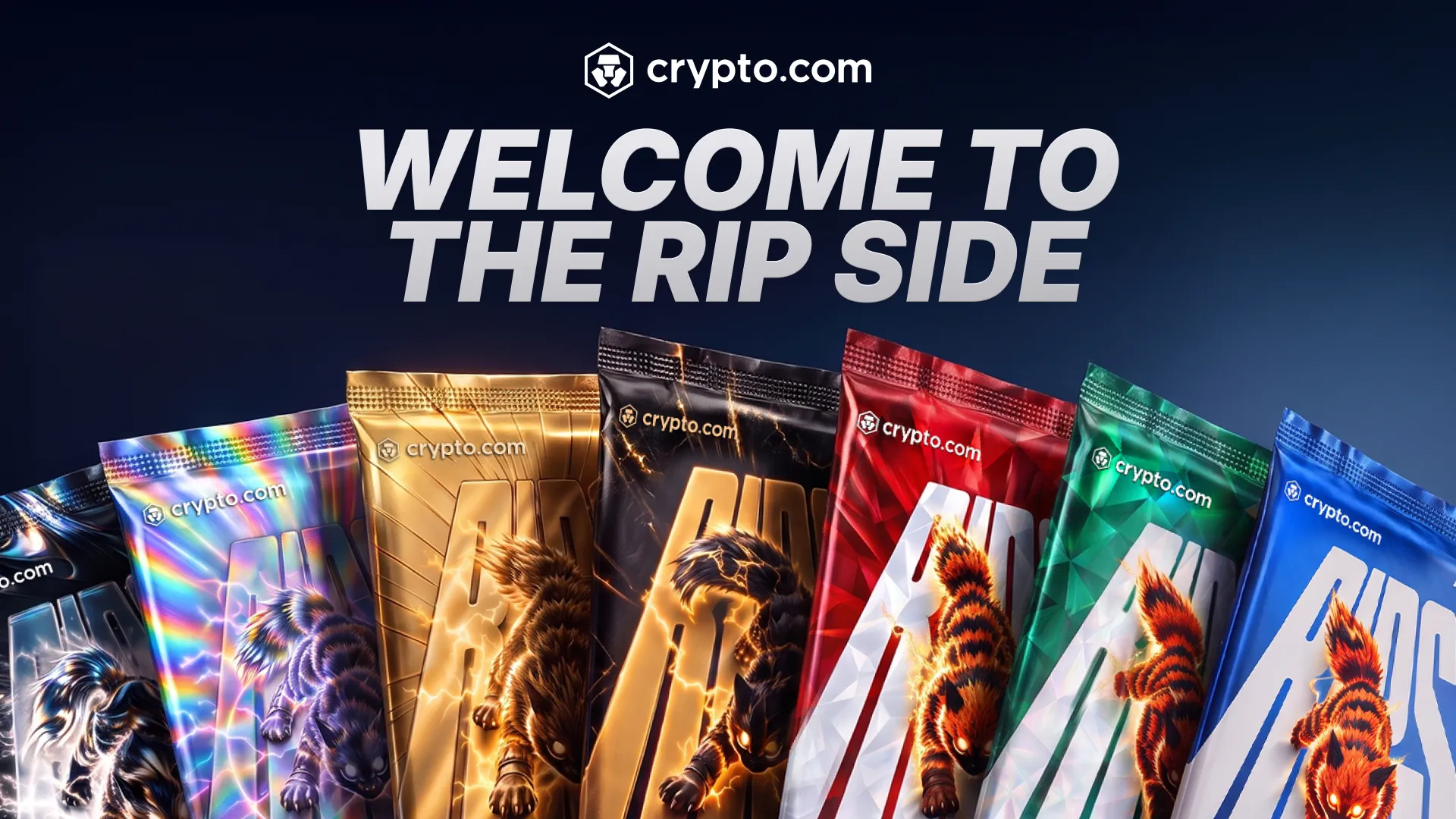
Crypto.com has launched Crypto.com Rips, a pack-opening feature for real physical trading cards. Users buy a pack, rip it open on their phone to reveal one card, then either sell it back to Crypto.com or have it shipped to their door. The company announced Rips on November 9, 2026, and says it starts rolling out in the app that day.
Four categories launch at launch: MLB, NBA, NFL, and Pokémon. Crypto.com says it will add more. Before paying, users can browse the available packs, see the headline chase cards in each one, and check the pull rates on the Odds screen.
What changes for collectors
Rips targets people who already watch card breaks and pack openings. According to Crypto.com’s announcement, collectors in that hobby face friction, unclear secondary-market valuations, and slow marketplace listings. The company says Rips addresses this by showing odds and prices before purchase and by offering instant liquidity in the app.
The announcement lists these mechanics:
- Verified pull rates are shown before users buy.
- Each pulled card has a buyback price locked for two days.
- Cards from paid packs can be held for up to 48 hours, while the Welcome Pack allows a 24-hour hold.
- Users can have the physical cards shipped to their door.
- All users can claim their first 5 pack rips.
Rips is open only to users aged 18 or older. Foris, Inc. provides the feature under the Crypto.com Rips Terms and Conditions and the Crypto.com App Terms and Conditions. Crypto.com notes that MLB, NBA, NFL, and Pokémon are third-party brands, and their owners are not parties to card sales made through Rips.
Packs, prices and rarities as found in the official blog.
| Tier | Price |
|---|---|
| Rookie | $5 |
| Emerald | $25 |
| Ruby | $50 |
| Titan | $100 |
| Legend | $250 |
| Eternal | $1,000 |
| Immortal | $2,500 |
Each category has seven pack tiers, and every paid pack contains one card:
A card can come out in one of four rarities: Common, Uncommon, Rare, or Epic. The Odds screen on each pack’s listing shows the exact odds and value ranges.
Free packs
Crypto.com’s help center says every user with approved identity verification receives five free packs, which appear under Your packs on the Rips tab. Users must open a claimed free pack within 90 minutes. If the user skips it, the pack stays under Your packs until that window ends, then expires and is removed. Crypto.com says it may change this period.
How buying and ripping works
To buy a pack, open the Rips tab, pick a category, choose a pack, and tap Rip for the listed price. The app charges the USD Account if the balance covers it. Otherwise, the user picks another payment method and completes the payment. Then the user swipes to rip the pack and reveal the card.
Accepted payment methods are a settled USD Account balance, Apple Pay, Google Pay, a debit card or crypto. A fee may apply to card, Apple Pay, and Google Pay payments. New users who have completed identity verification may have that fee waived for their first 7 days.
One catch: only settled funds can buy packs or pay for shipping. An Instant Deposit that hasn’t settled yet will show as insufficient funds. Users can wait for it to settle or pay another way.
Keep or sell
After a rip, the user chooses between two options.
Selling returns the card to Crypto.com at the buyback price shown on the card, and the money is credited right away to the USD Balance. Users who have completed identity verification and opened a USD Account can withdraw those proceeds.
Keeping moves the card to My Collection. A card from a paid pack can stay there for 2 days, and a card from a free pack for 12 hours. The user must ship or sell the card before the countdown ends. If neither happens, the card is sold automatically at the buyback price shown when the user chose Keep. You cannot ship a card once the countdown has ended. The timer appears on each card under Accounts > Rips > My Collection.
Shipping a card
Shipping is available only when all of these hold:
- The user has completed identity verification.
- The address is in the U.S.
- The countdown is still running.
- The card is eligible to ship.
To ship, the user opens the card in My Collection, taps Ship to me, adds or selects a U.S. address (up to three can be saved), picks a shipping method and a payment method, and taps Ship card. Shipping can be paid with a settled USD Account balance, Apple Pay, Google Pay or a debit card, and the same card fees may apply. Confirmed shipments cannot be canceled.
Depending on the shipping address, tax may apply to the original price of the pack and to the shipping and handling fee.
Shipped cards appear under Accounts > Rips > Shipped, with one of four statuses: Submitted, Preparing shipment, Shipped or Delivered. Tapping a card shows the shipment details, including the tracking number. Users who cannot receive a shipment can contact Crypto.com at chat.crypto.com.
Cards the user holds sit under My Collection, sold cards under Sold, and unopened packs under Your packs on the Rips tab. A share icon at the top right of a card lets users share a pull.
What Crypto.com says
The announcement quotes Kris Marszalek, Co-Founder and CEO of Crypto.com: “Card collecting sits at the intersection of sports, entertainment, and passionate digital communities. By combining the excitement of the live rip with instant liquidity and real physical ownership, we are continuing to broaden the utility and entertainment value of the Crypto.com App.”
Founded in 2016, Crypto.com is expanding into new use cases, including prediction markets and tokenized real-world assets.
Crypto.com has community channels on Reddit, Discord, and Instagram, and TradingView lists it as a broker.