

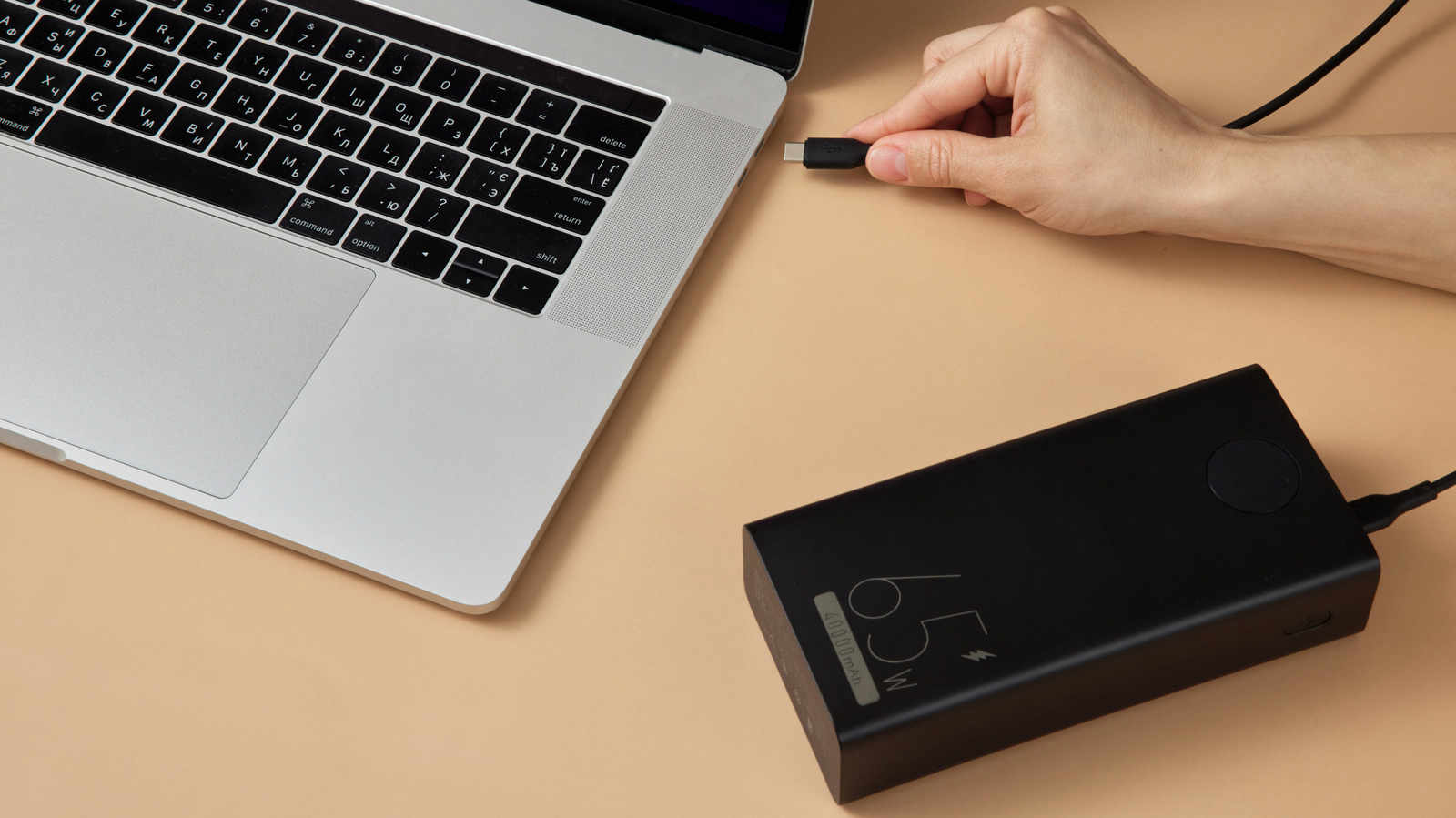
On paper, 10,000 mAh looks like a generous amount of battery. Plug that power bank into a 16-inch MacBook Pro, though, and it will fall well short of delivering even a single full charge.
When you’re shopping for a power bank to run a laptop, the mAh rating on the packaging doesn’t tell you much. Two other figures are more useful: watt-hours (Wh), which measure how much energy the bank stores, and watts (W), which measure how quickly it can hand that energy over. Plenty of reasonably good power banks can buy a laptop a bit of extra runtime. A true laptop bank, however, stores enough energy and charges faster than the laptop uses power.
Start by turning mAh into watt-hours
Capacity is quoted by manufacturers in milliamp-hours. That works well enough when you’re weighing one phone bank against another. With a device as demanding as a laptop, though, what you need is energy expressed in watt-hours, and getting there means factoring in voltage.
The lithium-ion cells inside most power banks run at roughly 3.7 volts (V). Since watts are volts multiplied by amps, and one amp equals 1,000 mAh, the first step is to divide the mAh figure by 1,000. Before accounting for any conversion loss, a 10,000 mAh bank comes out to about 37Wh (3.7V x 10Ah). Keep the voltage constant and doubling the mAh also doubles the Wh, which puts a 20,000 mAh bank at around 74Wh.
Set that against a laptop’s battery. Apple’s current MacBook lineup carries batteries rated anywhere from ~37Wh (MacBook Neo) to 100Wh (16-inch MacBook Pro). A 10,000 mAh (37Wh) bank usually won’t manage to top up a MacBook even one time. Capacity also reveals nothing about charging speed.
Run the numbers for your own machine
You should be able to find your laptop’s battery capacity in Wh on the manufacturer’s website. Working out average power consumption is tricky without a wattmeter, but a rough estimate comes from dividing the capacity by the number of hours the battery lasts. For example, a 70Wh battery that runs for five hours averages 14W. Real-world draw shifts all the time depending on the task, with scrolling through a PDF consuming far less than rendering video.
Some energy also disappears during charging. Under fast-charging standards such as USB Power Delivery, the bank steps up its voltage in order to supply enough watts to keep pace with the laptop. That conversion costs some energy, and more escapes as heat. For regular charging, a 20 percent efficiency loss is a widely used rule of thumb. With fast charging, a figure of around 30 percent (or even higher) is closer to reality.
Here’s a worked example. Hook a 20,000 mAh 45W USB-C bank up to the 14W laptop mentioned above. Subtract 30 percent from the 74Wh for overhead and about ~52Wh of usable energy remains, which should translate to roughly 3.7 hours of extra runtime. Whenever the laptop demands more than the bank’s 45W, it makes up the shortfall from its internal battery. In that situation the bank is merely supplementing the built-in battery and extending how long it lasts.
Storing energy and delivering it are two different specs
This is the point where many buyers get caught out. A 50,000 mAh bank stores a lot of energy, yet that figure reveals nothing about how much power it can output. If a high-capacity bank is rated at only 15W, it will just slow down how fast the laptop drains, or the laptop may reject it altogether.
Look for the “USB-C PD” label. It indicates that the bank and the laptop can negotiate a higher charging level than a regular USB port supplies.
Pay attention to the output of each individual port as well, since the combined output number can be misleading. A bank advertising “100W total” may not hit 100W on any one port. It might also drop below 100W when a phone and a laptop are charging simultaneously.
The right size for most users
A 20,000 mAh/74Wh bank serves well for emergencies or partial top-ups. A 27,000 mAh/100Wh bank comes nearer to the sweet spot. That size also matches a firm cap: in the US, 100Wh is the most a power bank can hold and still be taken on a plane without approval.
Connected, yet the battery keeps falling
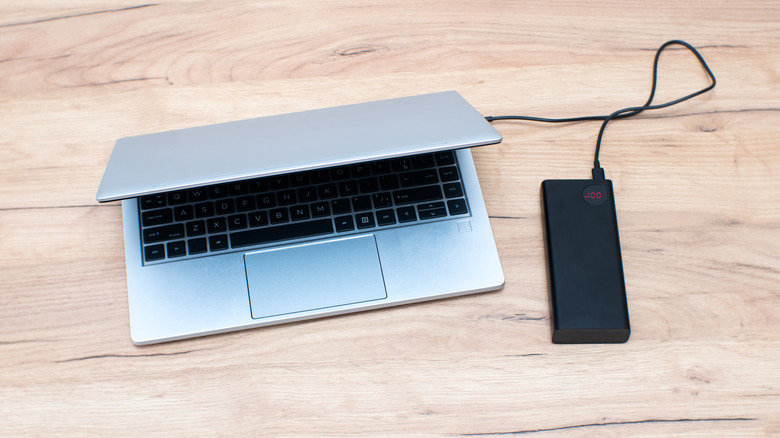
When a laptop’s charge continues to drop even though it’s hooked up to a bank, the bank might just be underpowered. It is delivering power, only at a slower rate than the laptop consumes it. You’ll see the same thing when plugging into a car’s USB port. A handful of other explanations exist too, and it pays to work through them in order.
Begin with the laptop. Not all USB-C ports can take power in. Some are limited to data, video or accessories. If the ports carry no markings, consult the manual or search for the product specifications online.
After that, examine the bank’s USB-C Power Delivery rating on a per-port basis. A basic 15W USB-C output is fine for a phone, but it barely registers on a laptop pulling 65W+. If the bank can’t supply enough output, the laptop will either refuse it or only charge during light use, after first displaying a “slow charge” warning.
Next, inspect the cable. USB-C cables aren’t all rated for high wattage. A standard one typically handles up to 3 amps, whereas 100W and Extended Power Range connections call for a cable rated at 5 amps. USB PD 3.1 can supply as much as 240W, but only if the laptop, the bank and the cable all support that level of power.
When every component is compliant, USB-C PD devices negotiate a compatible voltage and current automatically. That handshake can’t compensate for faulty hardware, however. Avoid damaged cables, and get rid of the old ones tucked away in the cardboard box in your closet. They were never designed for the power that modern laptops pull.