

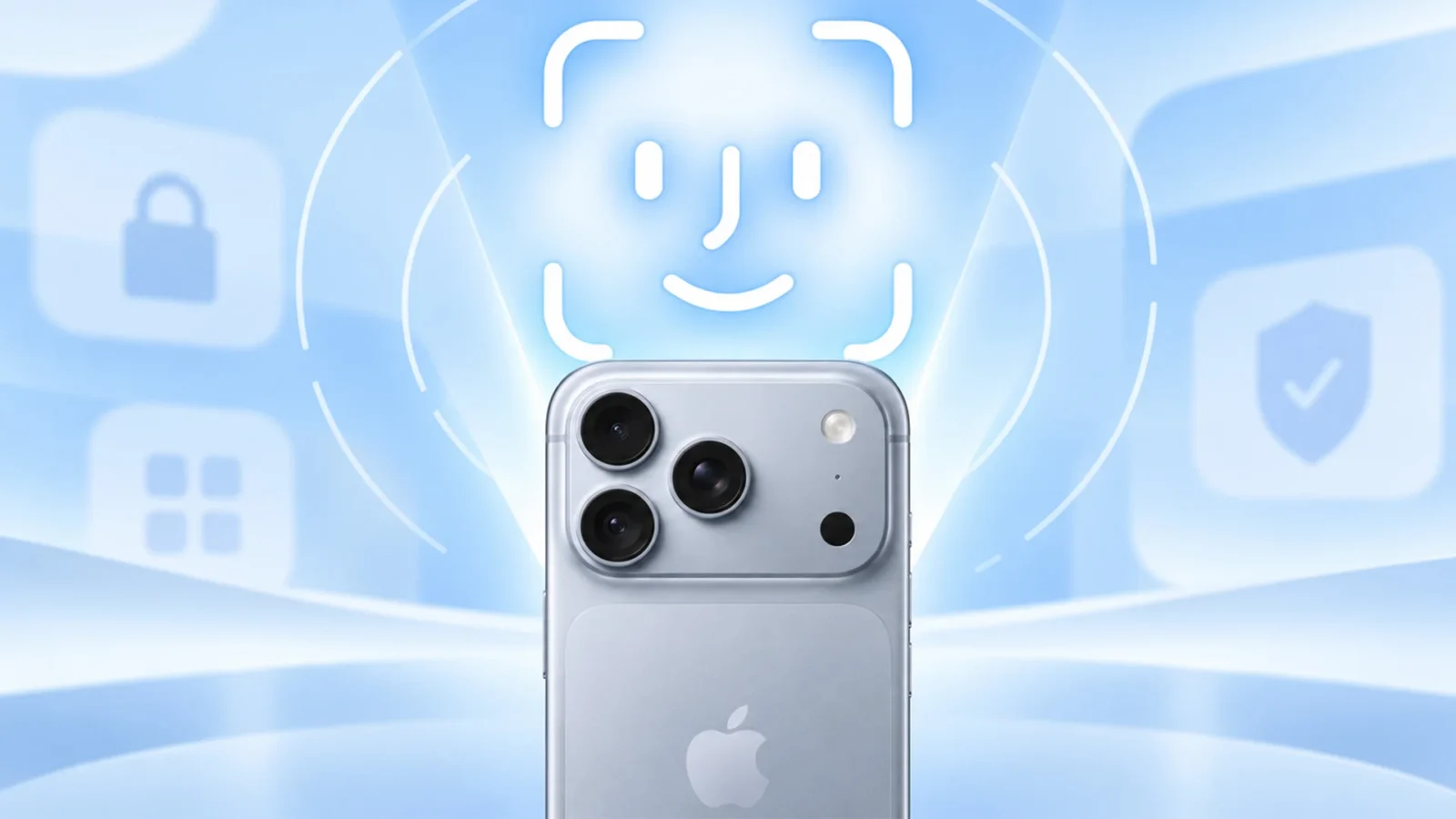
Apple has released its first fix for iOS 27, almost two weeks after the new software officially rolled out. The iOS 27.0.1 update became available a few hours ago. Its main job is fixing Face ID, which has been a headache for plenty of iPhone 18 Pro and iPhone 18 Pro Max users.
As biometric bugs go, this one was close to the worst possible. On Apple’s latest handsets, Face ID either behaved erratically or quit responding altogether.
A Face ID fault that could take down the entire device
Numerous owners said Face ID wouldn’t recognize them in some situations. The problem didn’t end there, either. A failed scan could freeze the phone, make it crash and force it to reboot.
Some users never even got Face ID running. During setup they were met with the message “Face ID is not available.”
On a Pro model, that means the main way of unlocking the phone is broken. Delivering a fix within two weeks of the iOS 27 release is the least owners could ask for.
The remaining release notes reveal very little
iOS 27.0.1 does more than fix Face ID. It also resolves a number of other bugs, and those fixes cover every iPhone model, not just the 18 Pro range.
Apple gives few details about them. The release notes simply say: “This update includes bug fixes for your iPhone, including the following issues.” That tells you fixes are included, but not which ones affect you.
Installing iOS 27.0.1
You update the same way as before. Go to Settings, select “General,” then choose “Software Update.”
If your iPhone 18 Pro or iPhone 18 Pro Max has frozen, crashed or restarted after a failed face scan, or showed “Face ID is not available” during setup, install the update right away. On other iPhones it’s a minor patch, so you can install it whenever it’s convenient.